01
Brands and stores
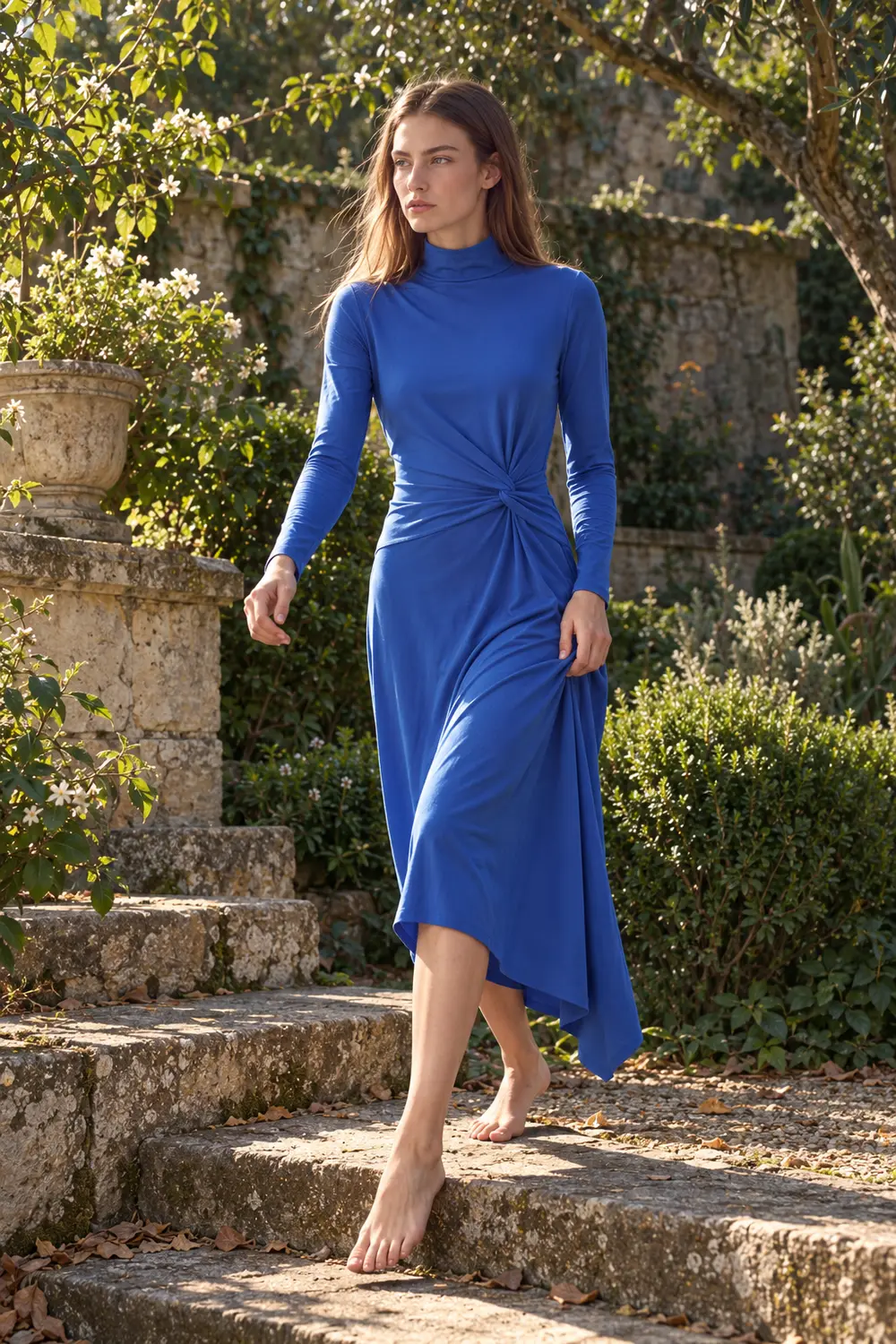
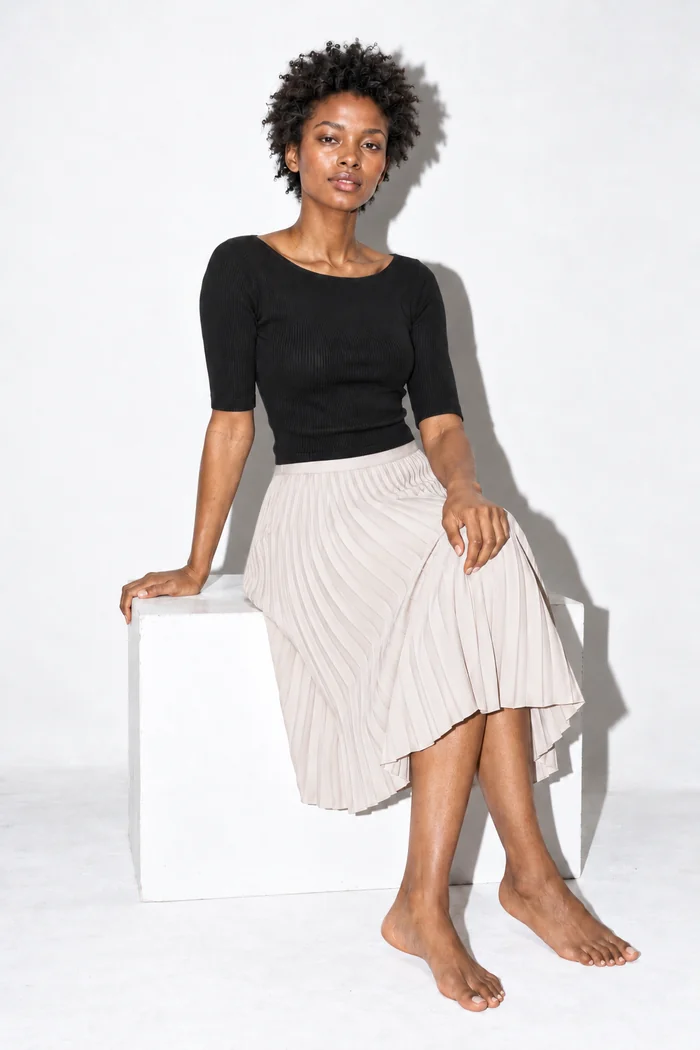
Product pages, catalogs and campaigns without booking a shoot for every drop. Show each piece on more than one body, in more than one place.
For brands and storesFashion photo studio
Put your garment on the right model, in the right place, in seconds. Try-on, reshoots, casting and video, all from one product photo.
Pay only for what you create.
 Original
Drag a garment onto the model, or tap one.
Cast in ClothShift
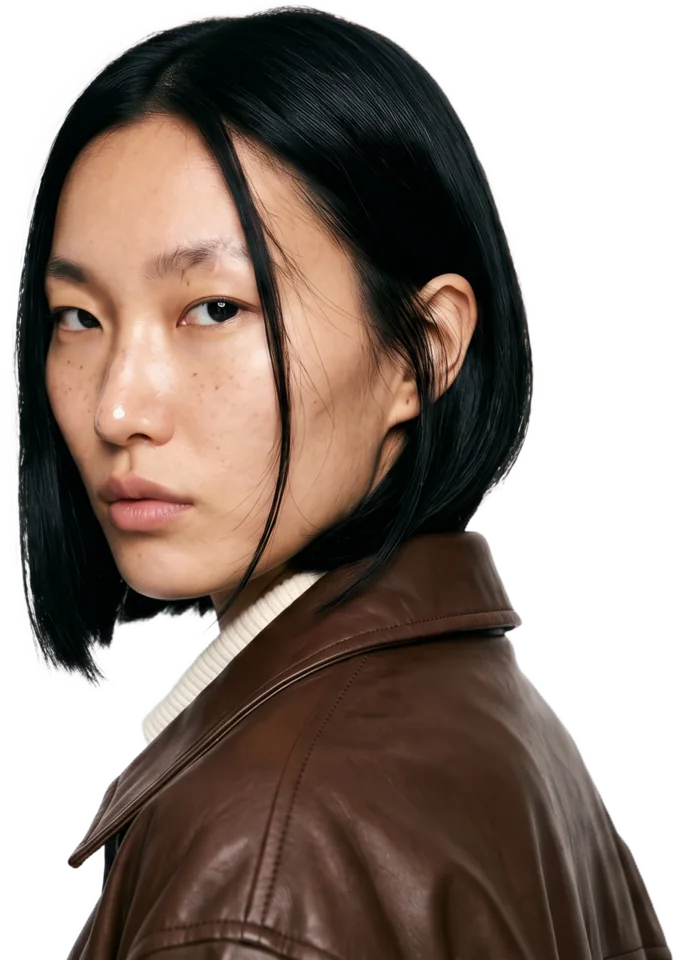
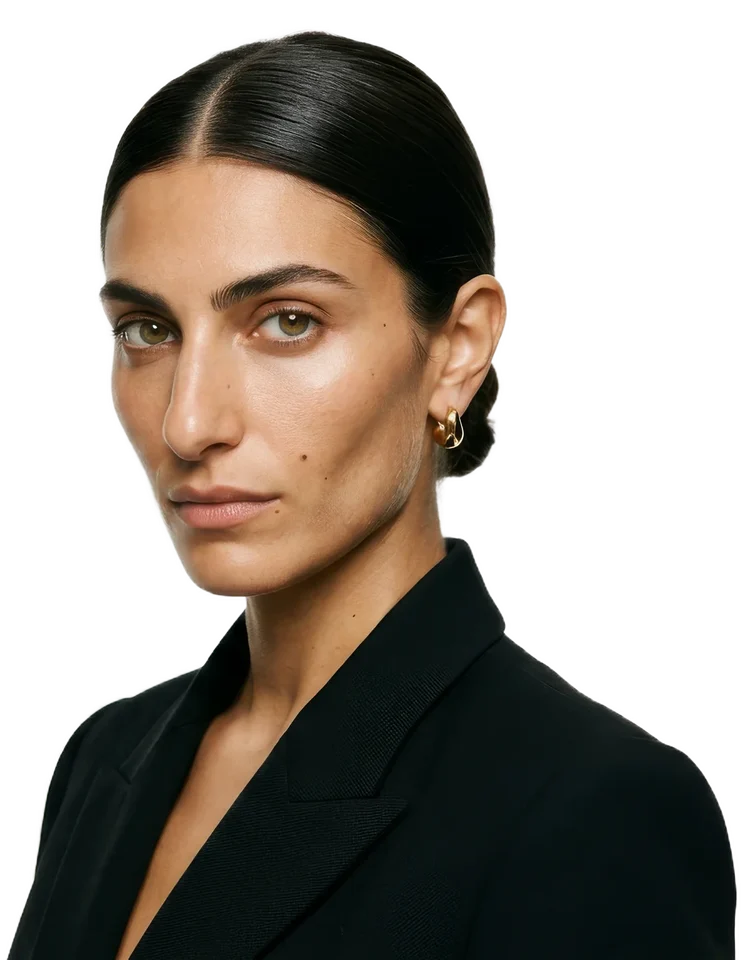
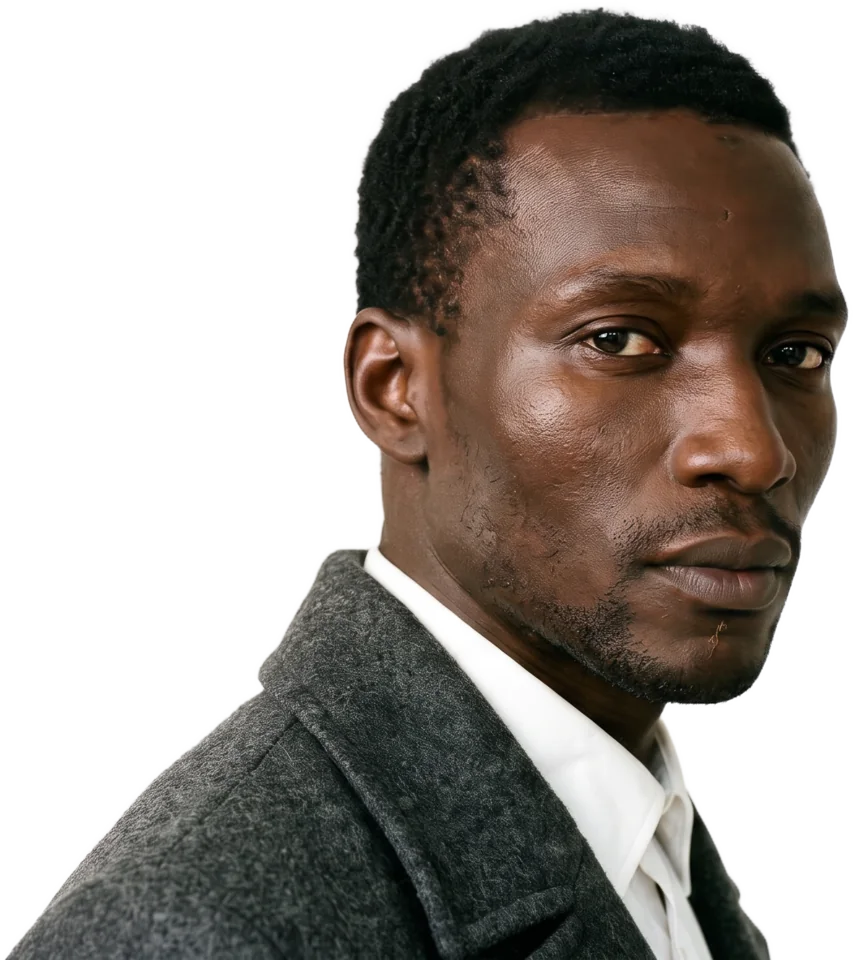
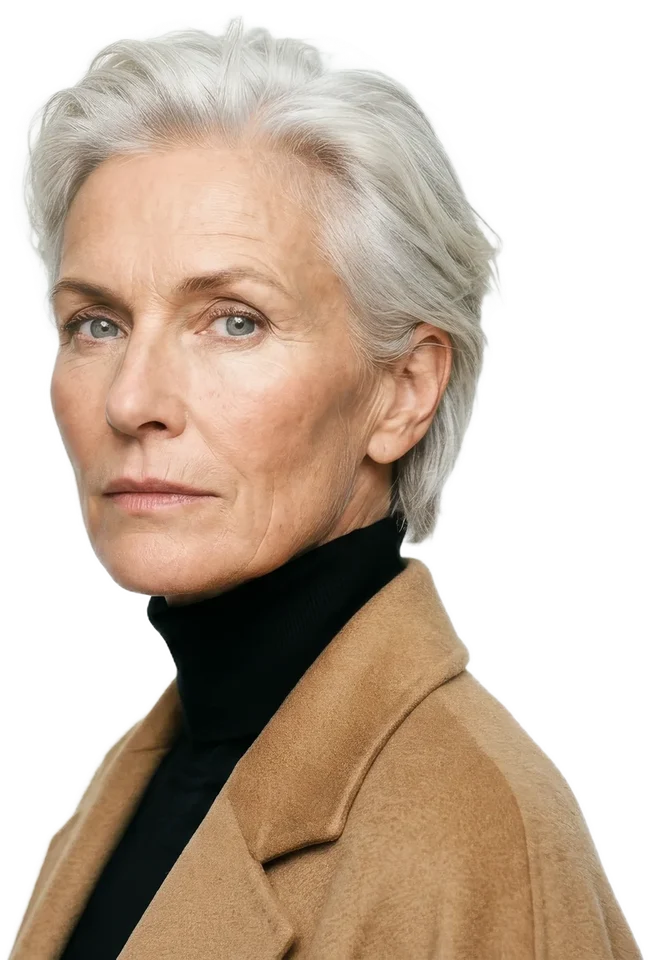
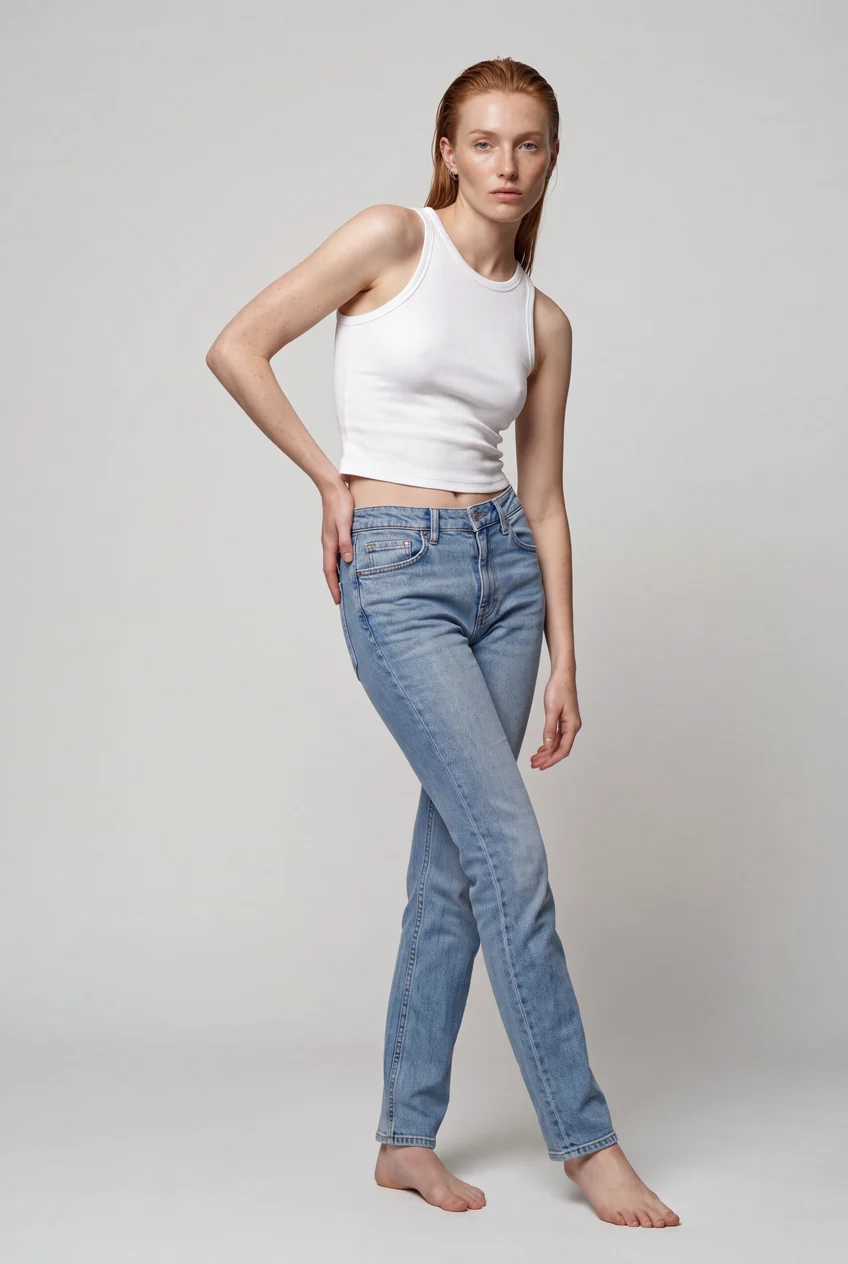
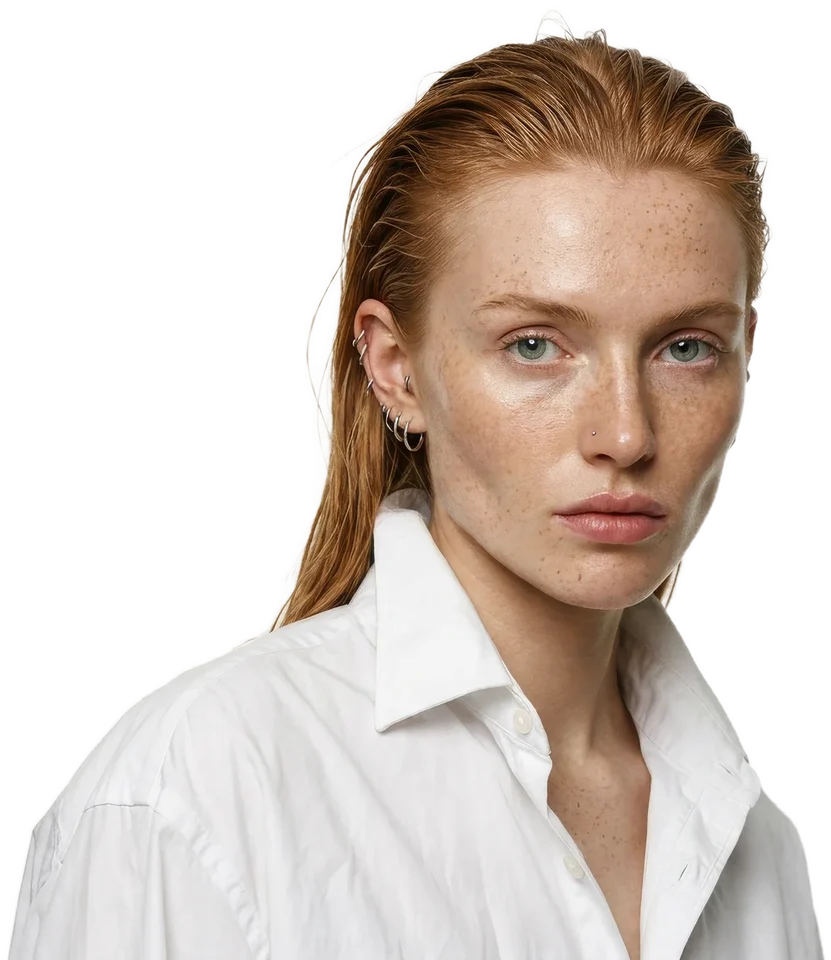
Each portrait was cast from a few lines of description. No agency, no studio, no booking, and the same face is yours for every shoot.
01 / 05Woman, 22, Scottish. Damp copper hair, white poplin shirt.
The photo you already have
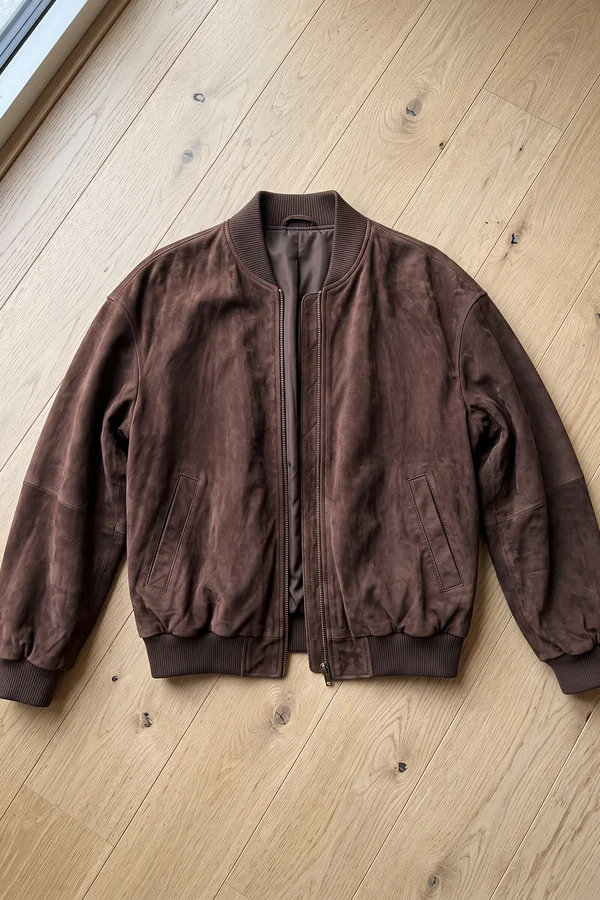
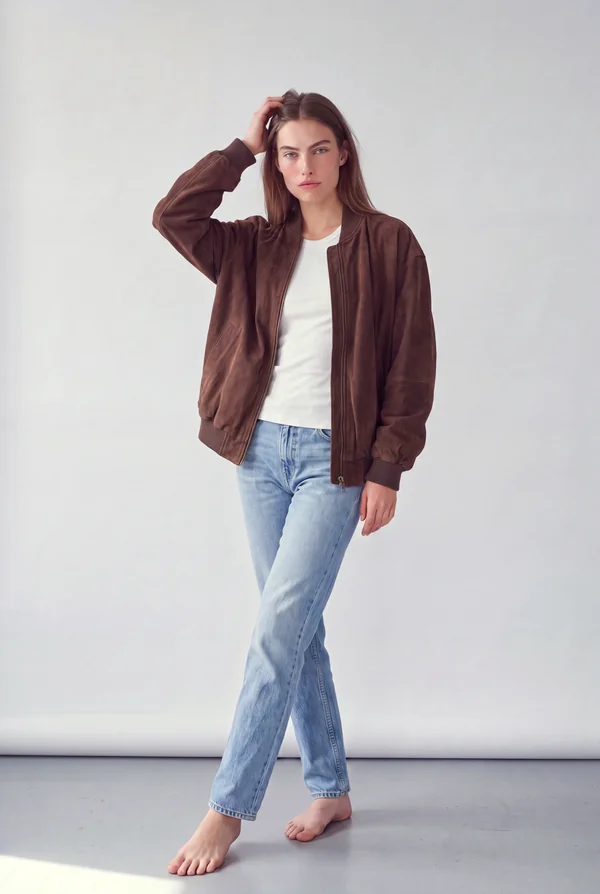
A suede bomber laid flat on the floor and shot on a phone. No model, no studio, no light kit.
A suede bomber laid flat on the floor and shot on a phone. No model, no studio, no light kit.
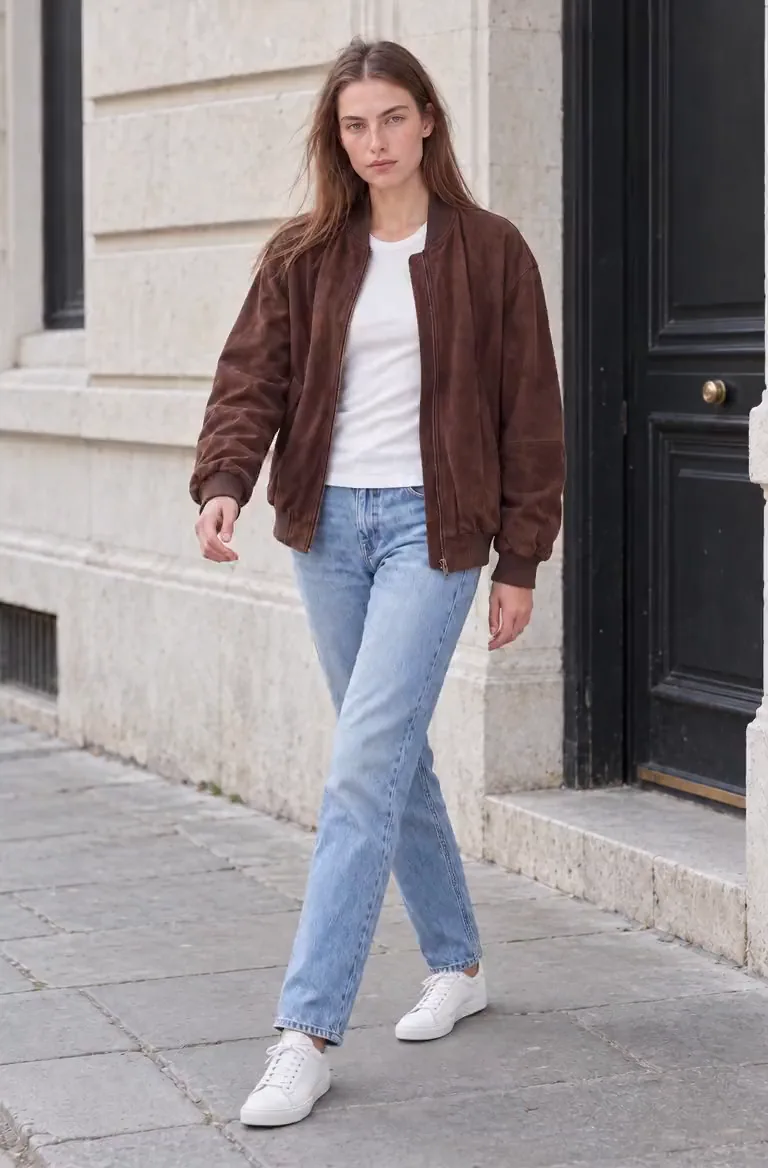
Try-On puts it on a model in clean studio light and keeps the colour, the nap of the suede and the cut.
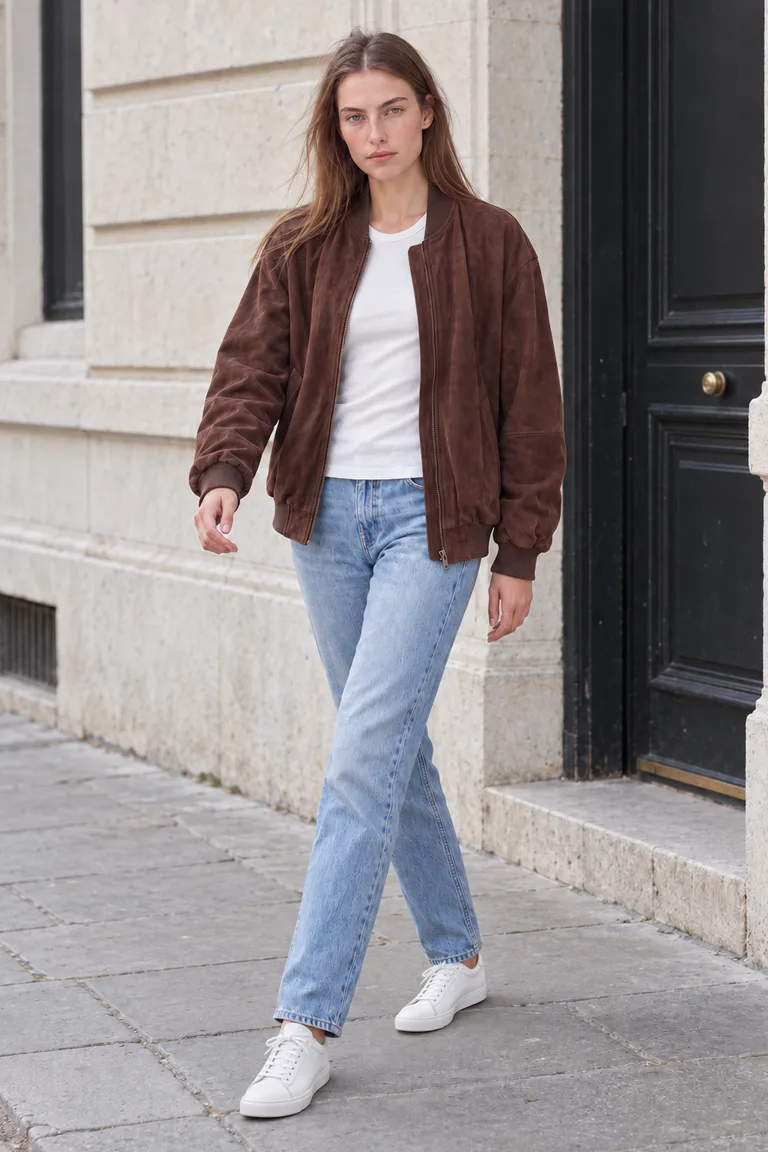
The same model and the same jacket, out on the street. Every job runs in the background, so a whole range can run at once.
Animate turns the same shot into a short video for Reels, TikTok and product pages.
One garment, start to finish
 Phone photo
Works from
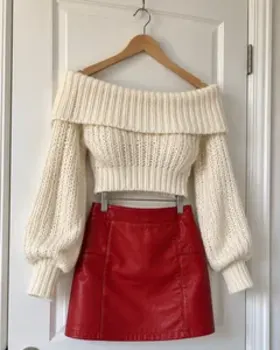
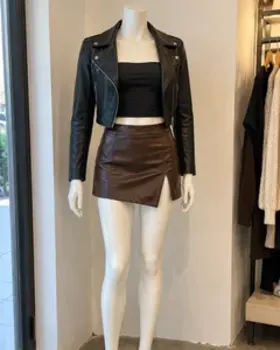
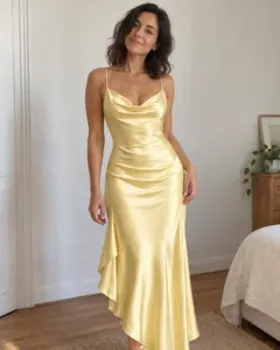
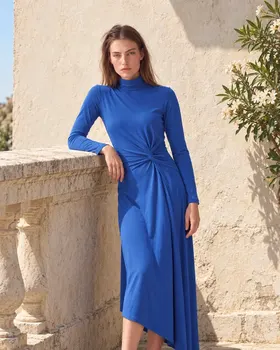
Add a photo of your product, then a photo of your own model, one of our ready-to-cast AI models, or one you create. ClothShift dresses the model in your garment and keeps what matters: the fabric, the print, the cut and the way it falls.
Works from
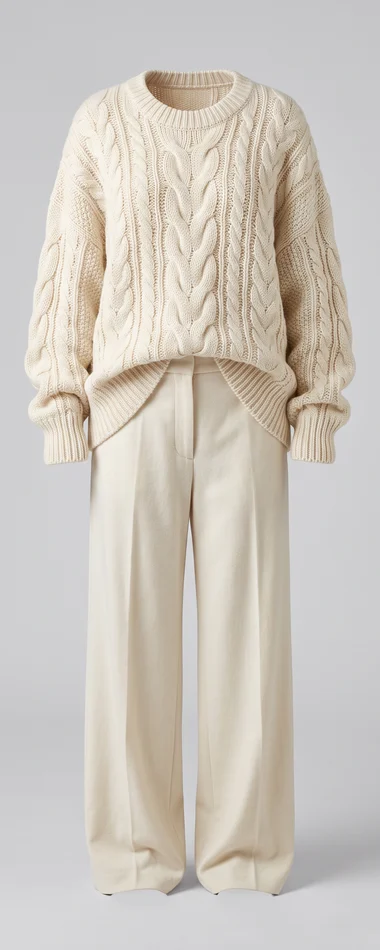
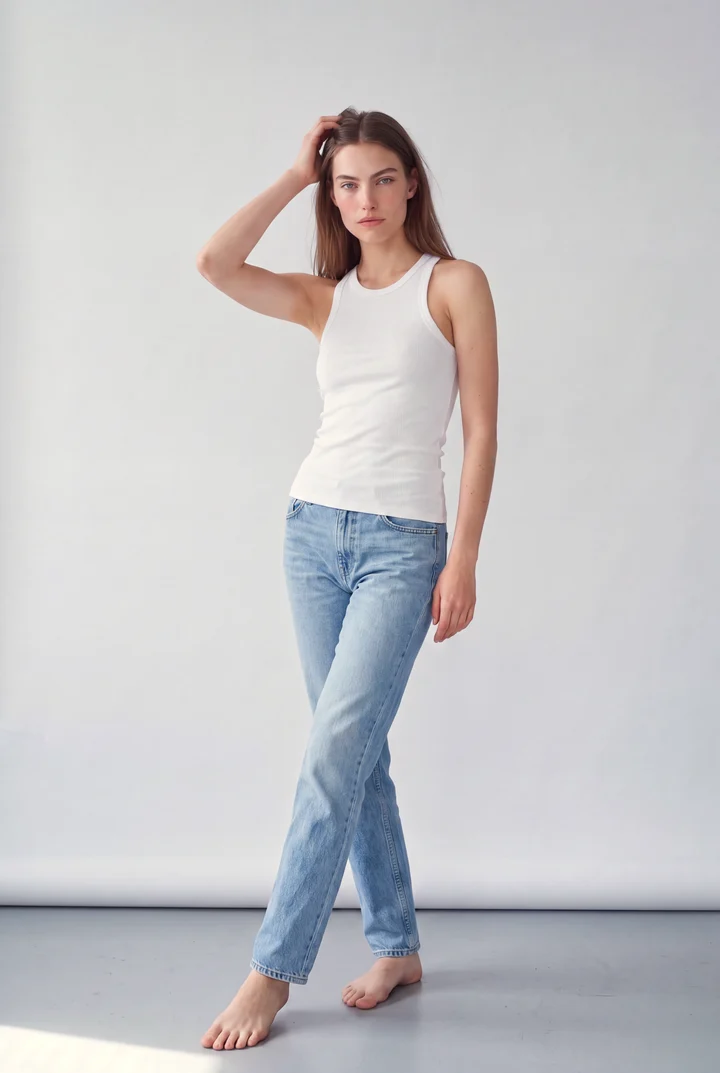
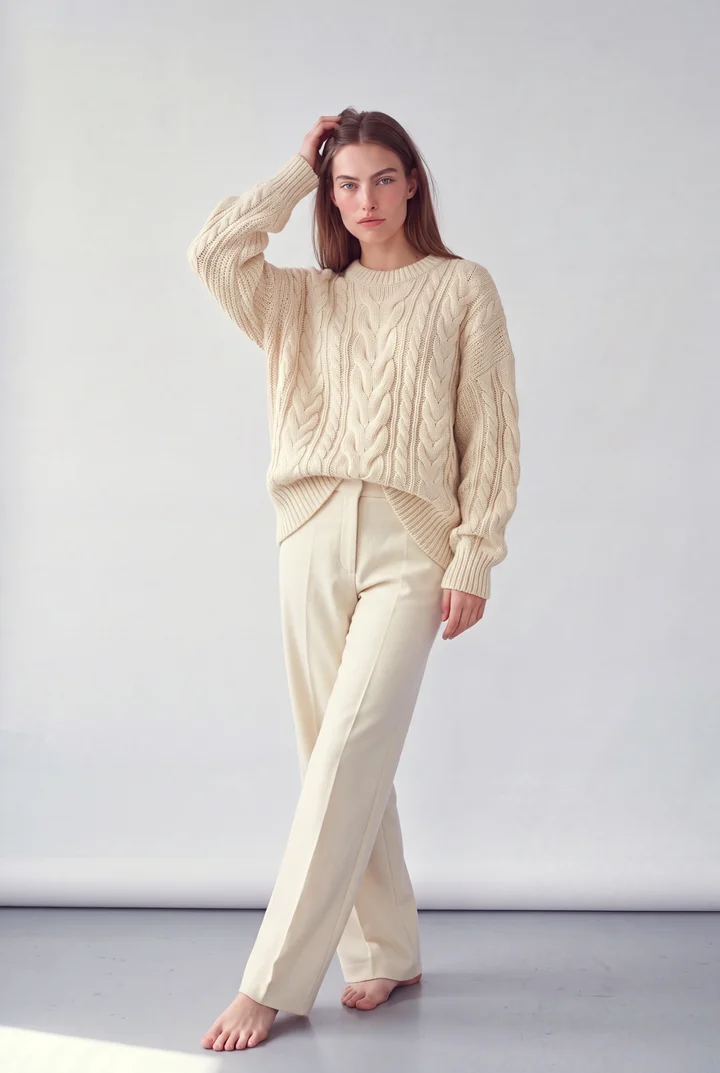
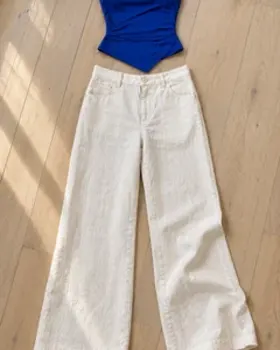
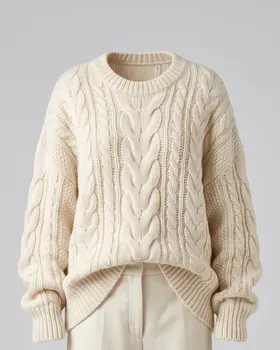
Lay the pieces out and photograph them. Get them back worn, on location or in the studio, styled the way you laid them out.
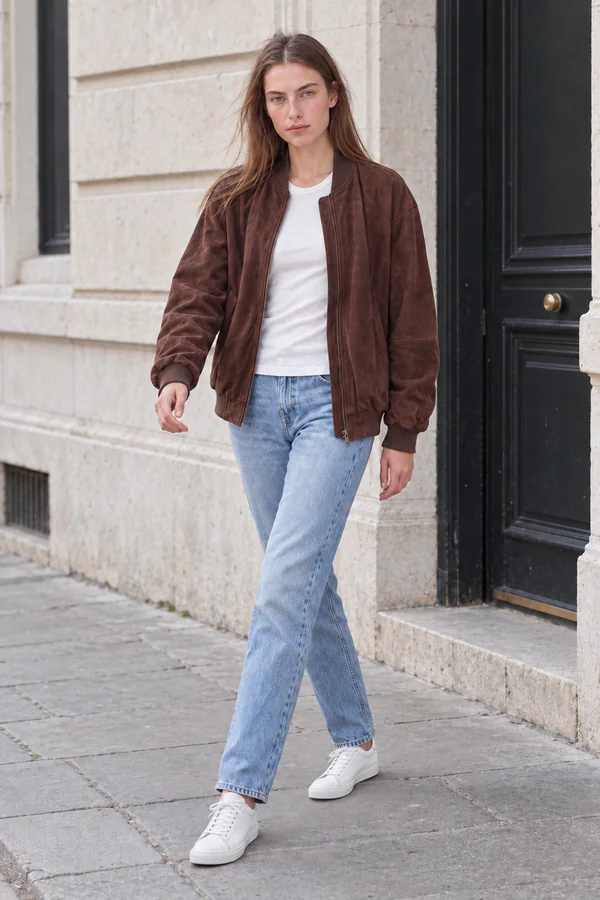
Every image is ready for your store, your ads and your feed. Several angles and settings for the same piece, without a second shoot.
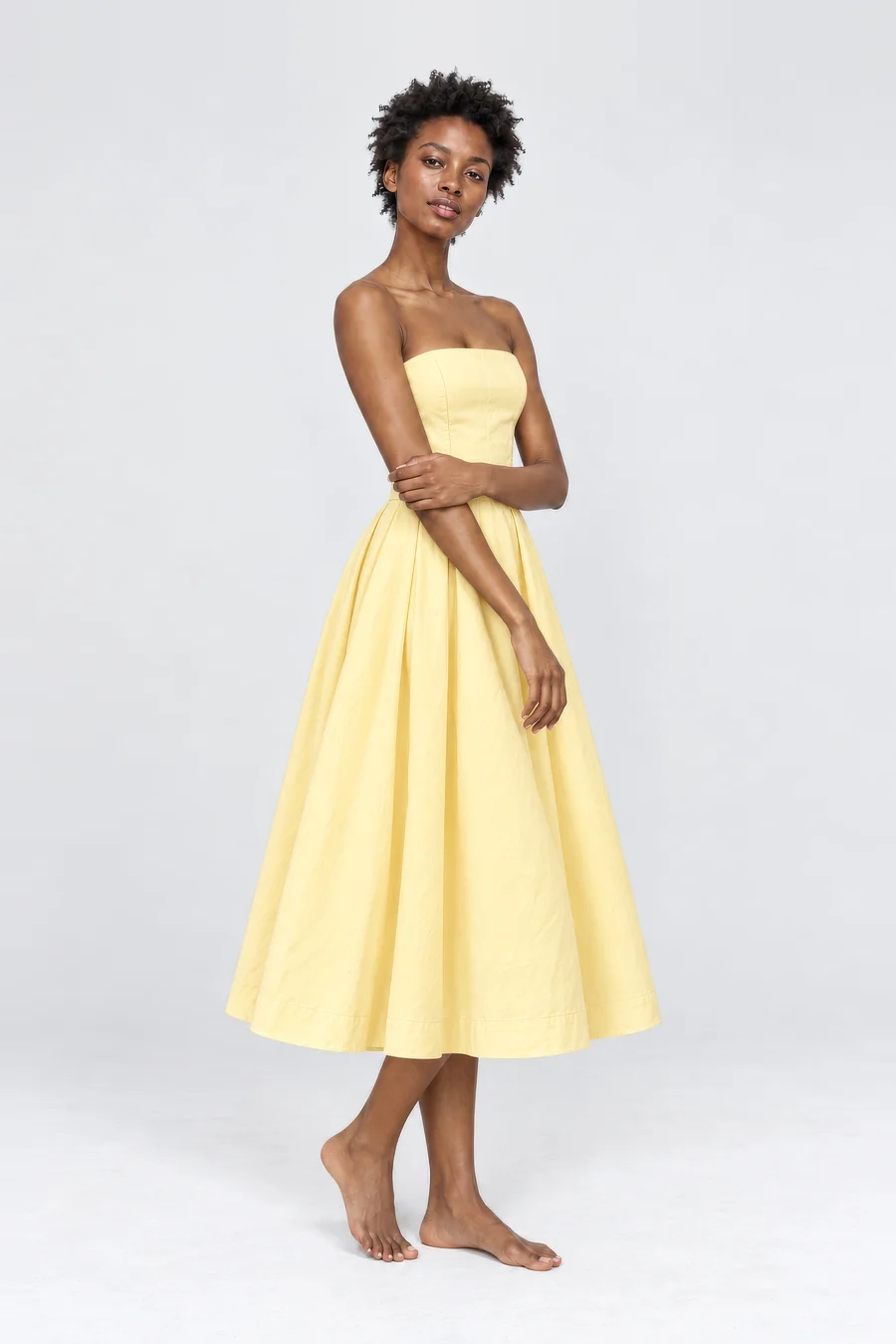
Women / Dresses
Strapless midi dress
Butter yellow, cotton poplin
€89.00
Reshoot templates
Turn one try-on result into the rest of the set: the angles and close-ups a product page needs, clean marketplace shots with no model, and natural phone photos for social media. Each photo is one ready-made Reshoot template.
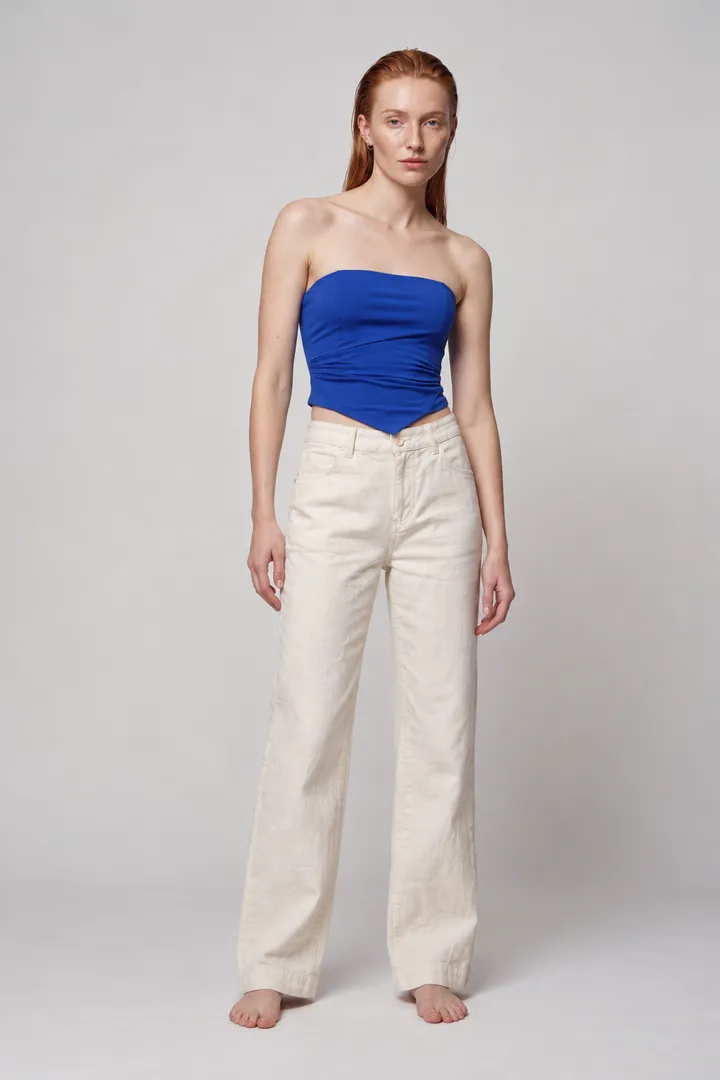
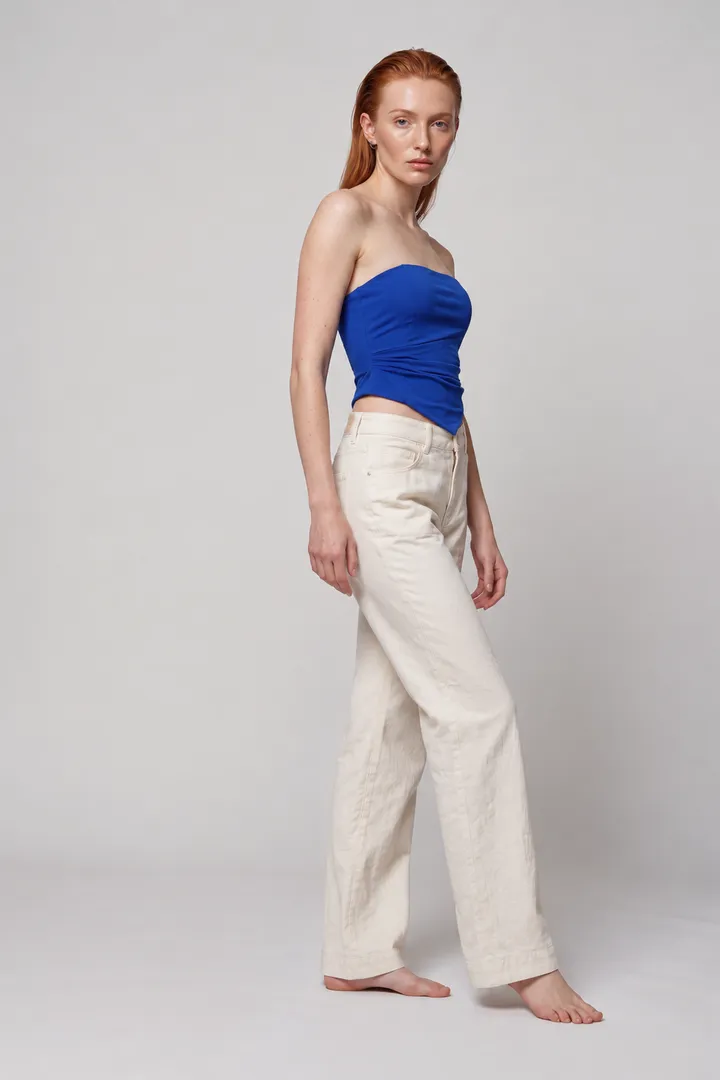
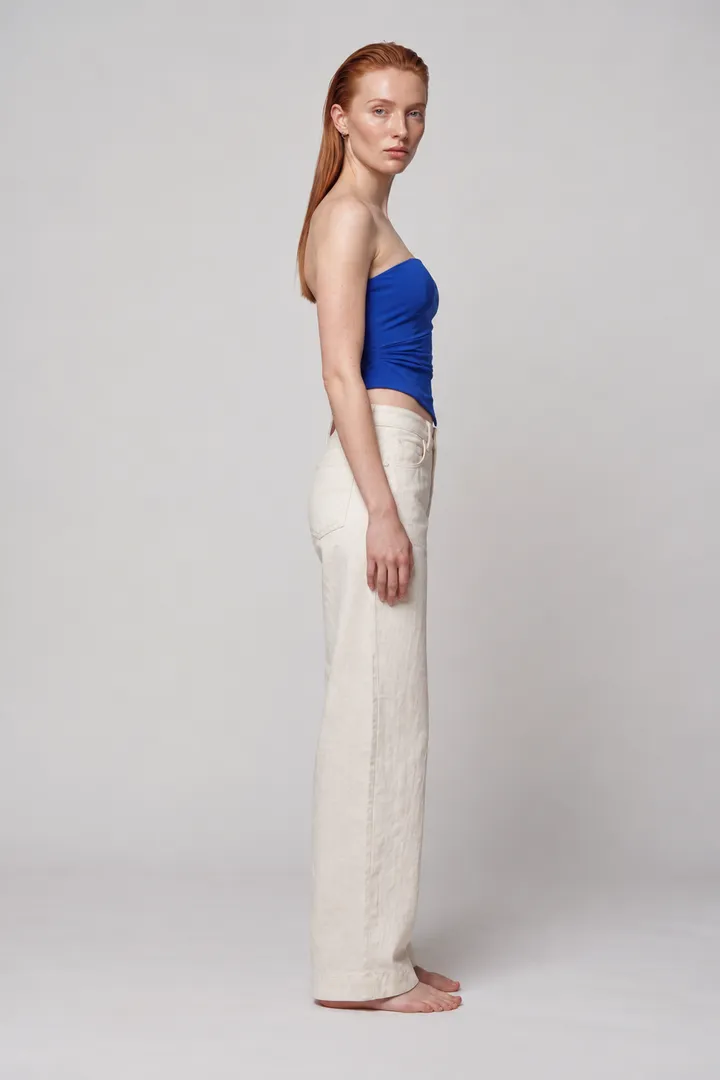
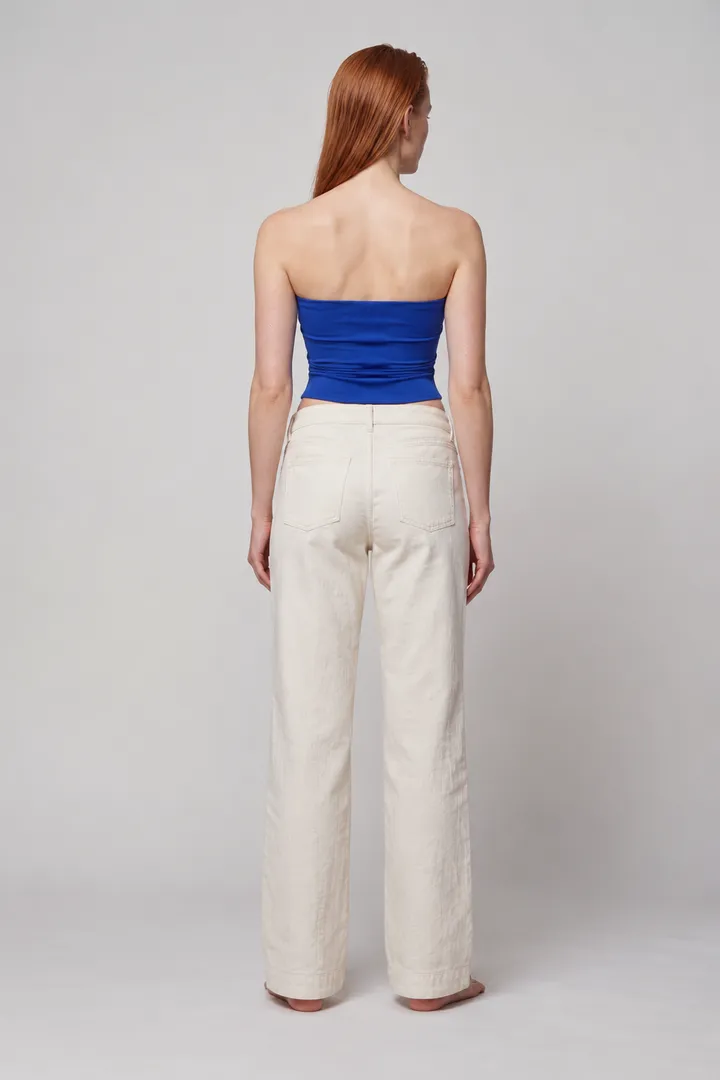
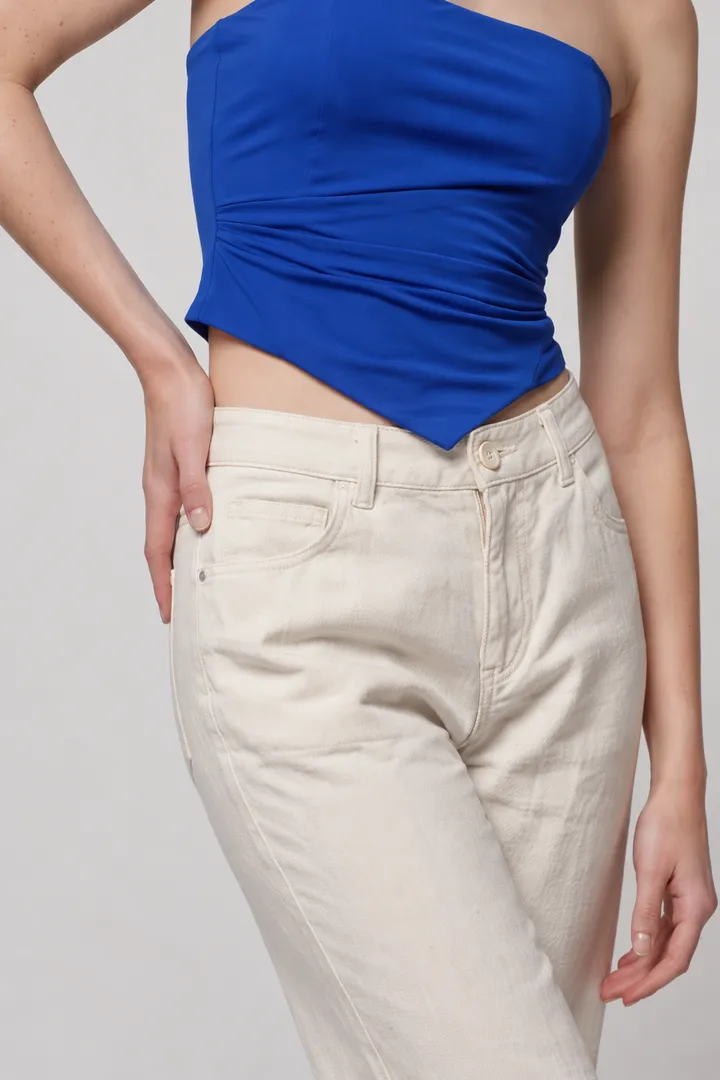
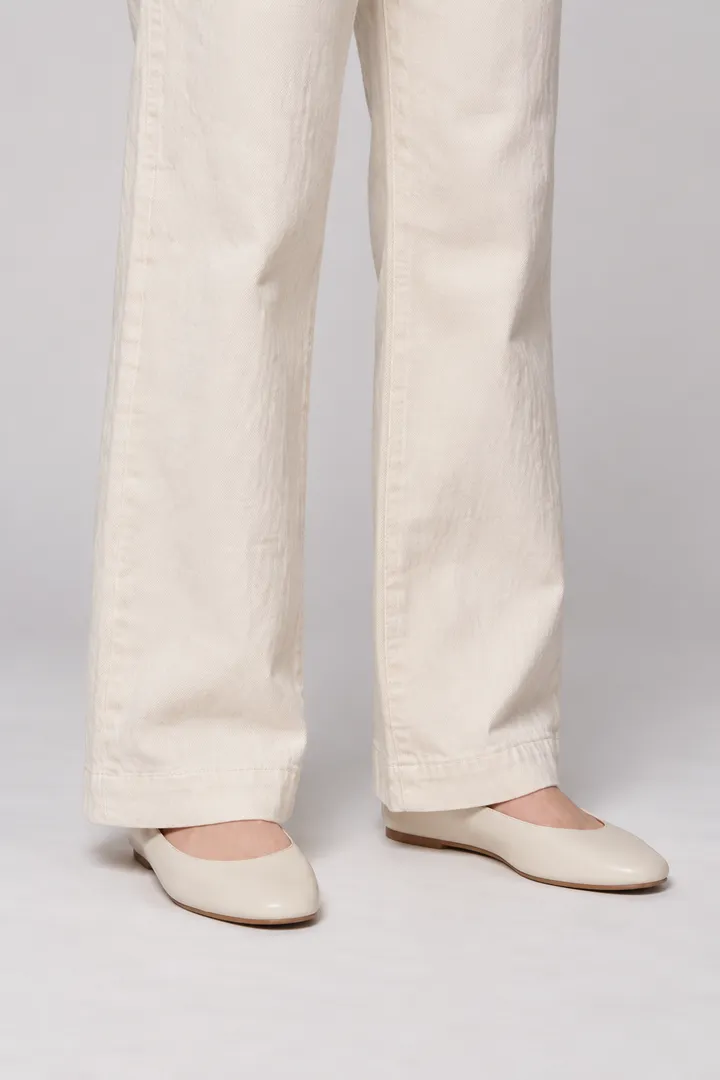
Every image here is a ClothShift result, made from one try-on.
From the Poses and Product Details templates. The back view assumes a plain back, since the original shows only the front.
More about ReshootLook closer
Product pages get zoomed. Look at the grain of the leather, the rib of the knit and the sheen of the satin, all straight from try-on results.
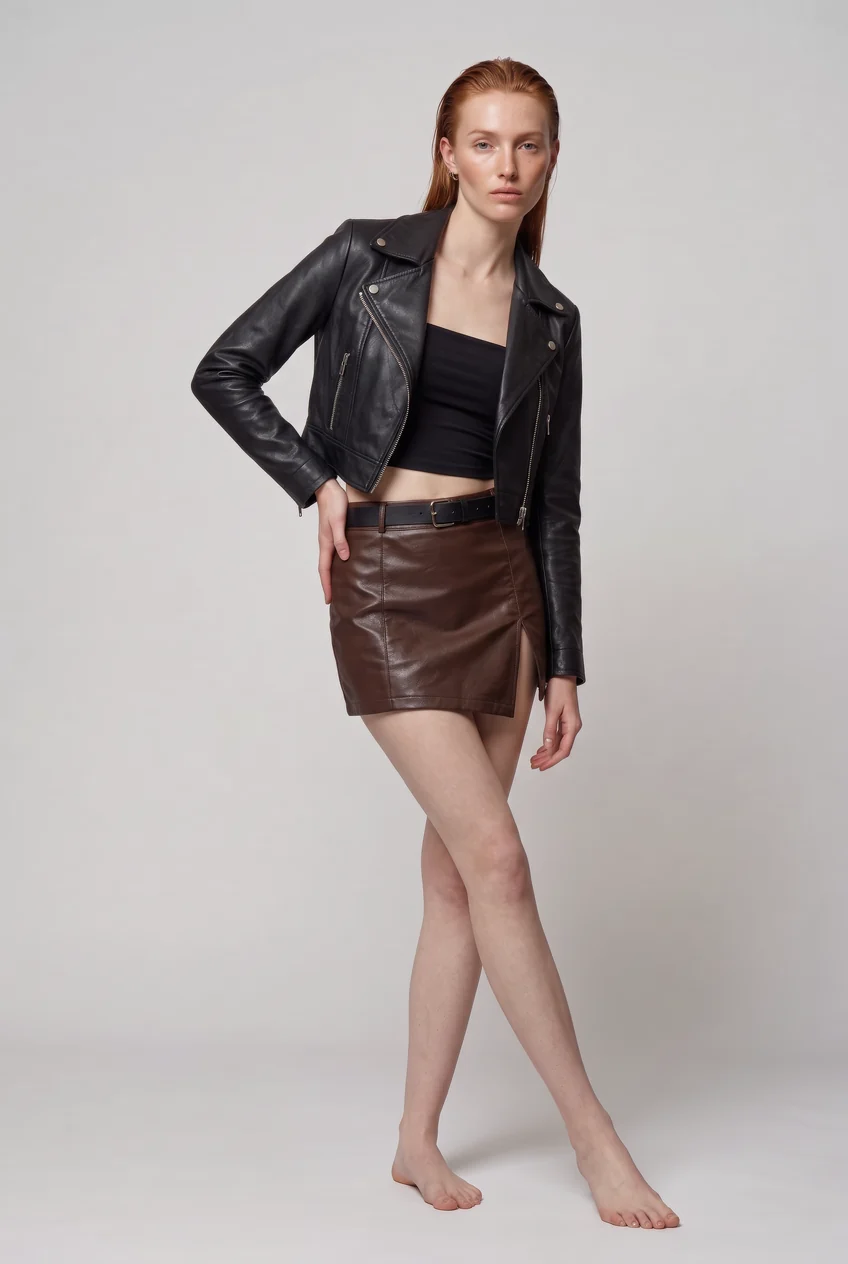
Tap or drag on the photo to move the loupe.
Choose your models and your garments. Pair them in every combination or in order, check the cost before you start, and keep working while the batch runs in the background.
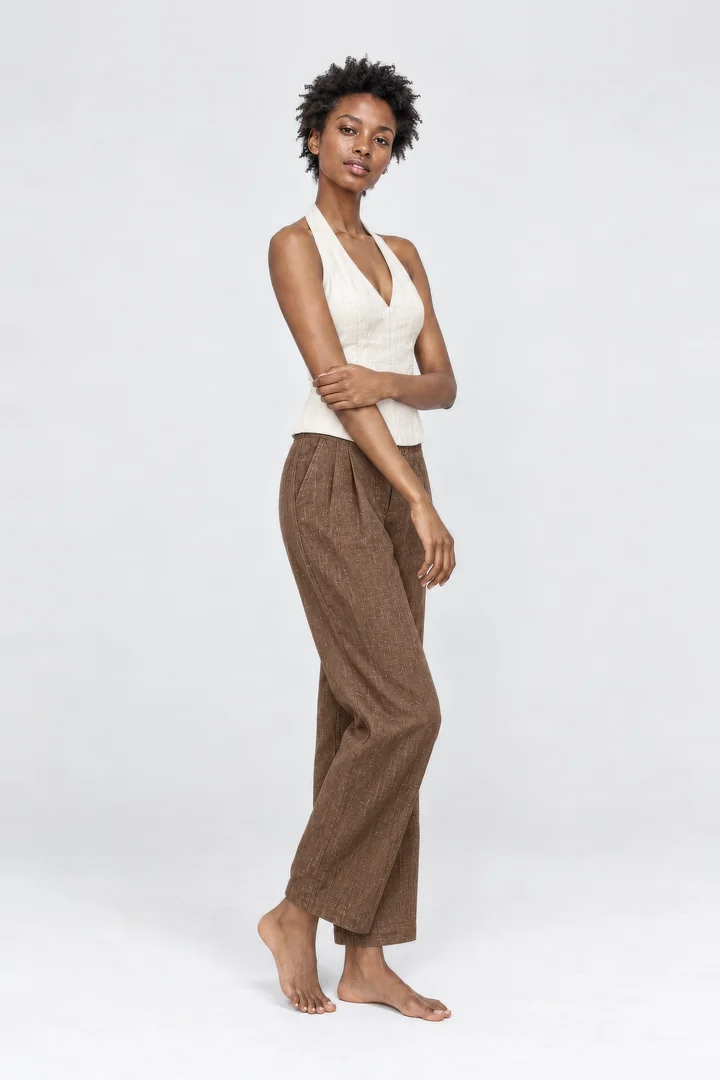
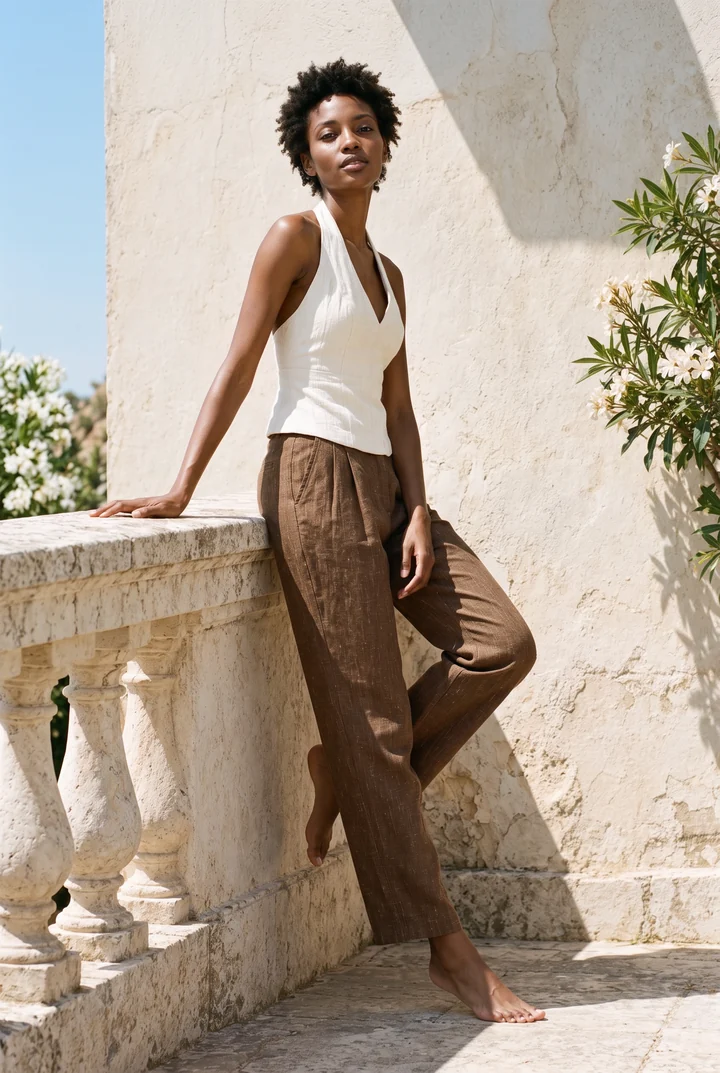
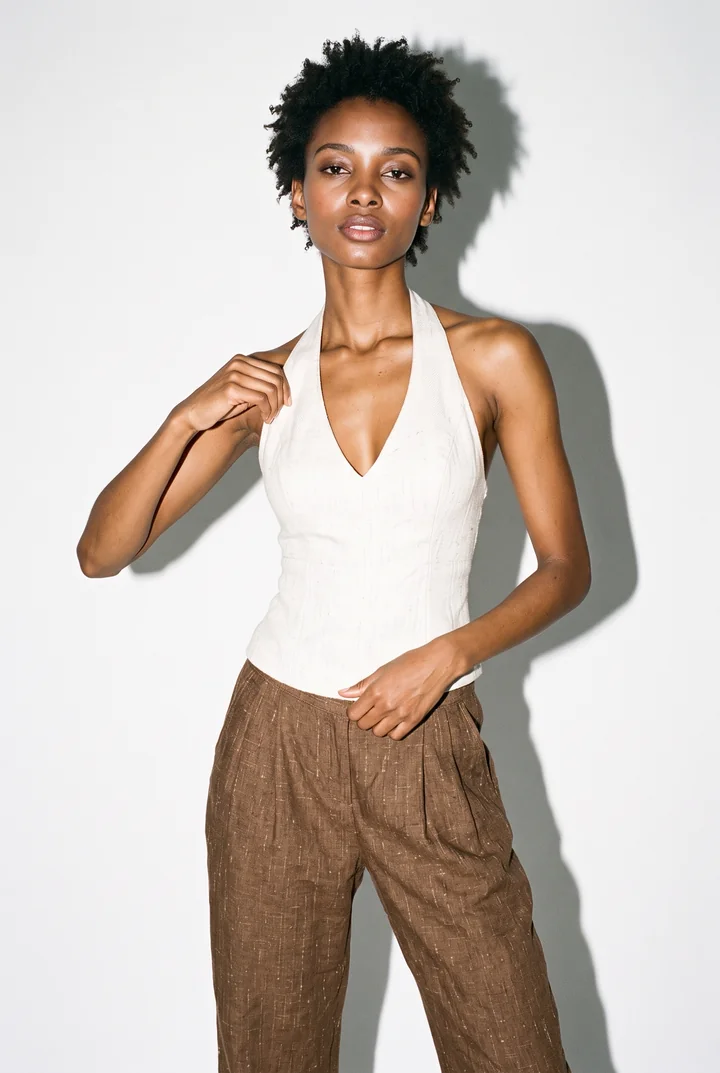
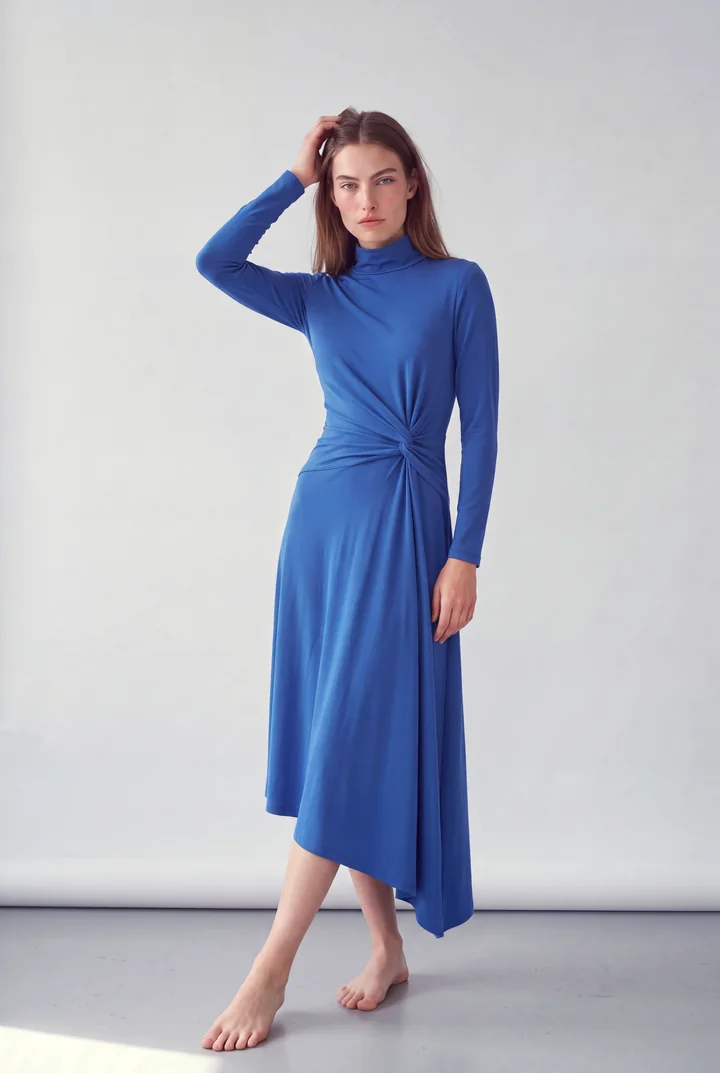
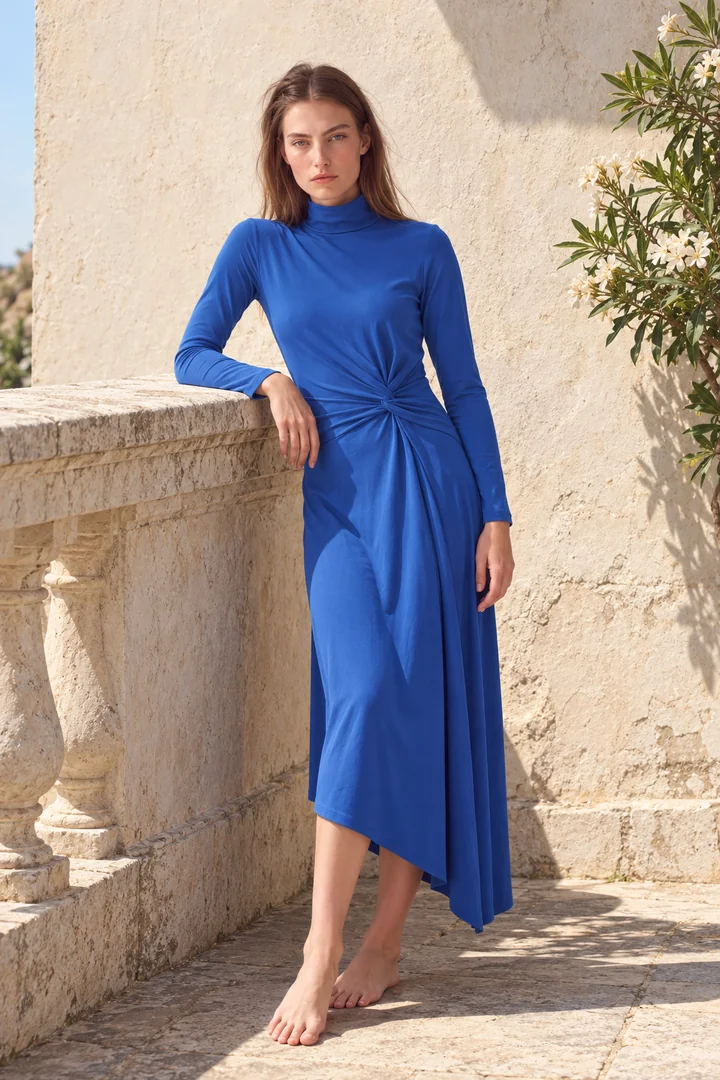
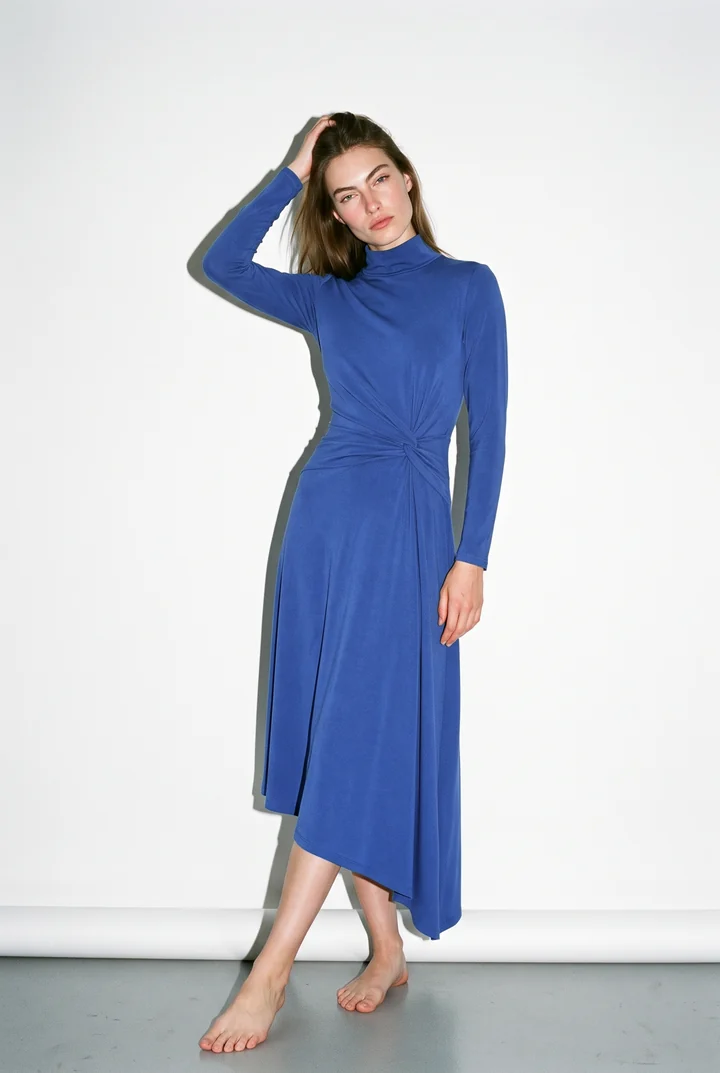
Describe the change and ClothShift makes it. A new location, a different pose, another hair colour. It also gives flat, plastic-looking images the texture of a real photograph, including ones made in other apps.
Also: ready-made templates for product pages, marketplaces and social media, with new ones added over time. See the template sets
More about Reshoot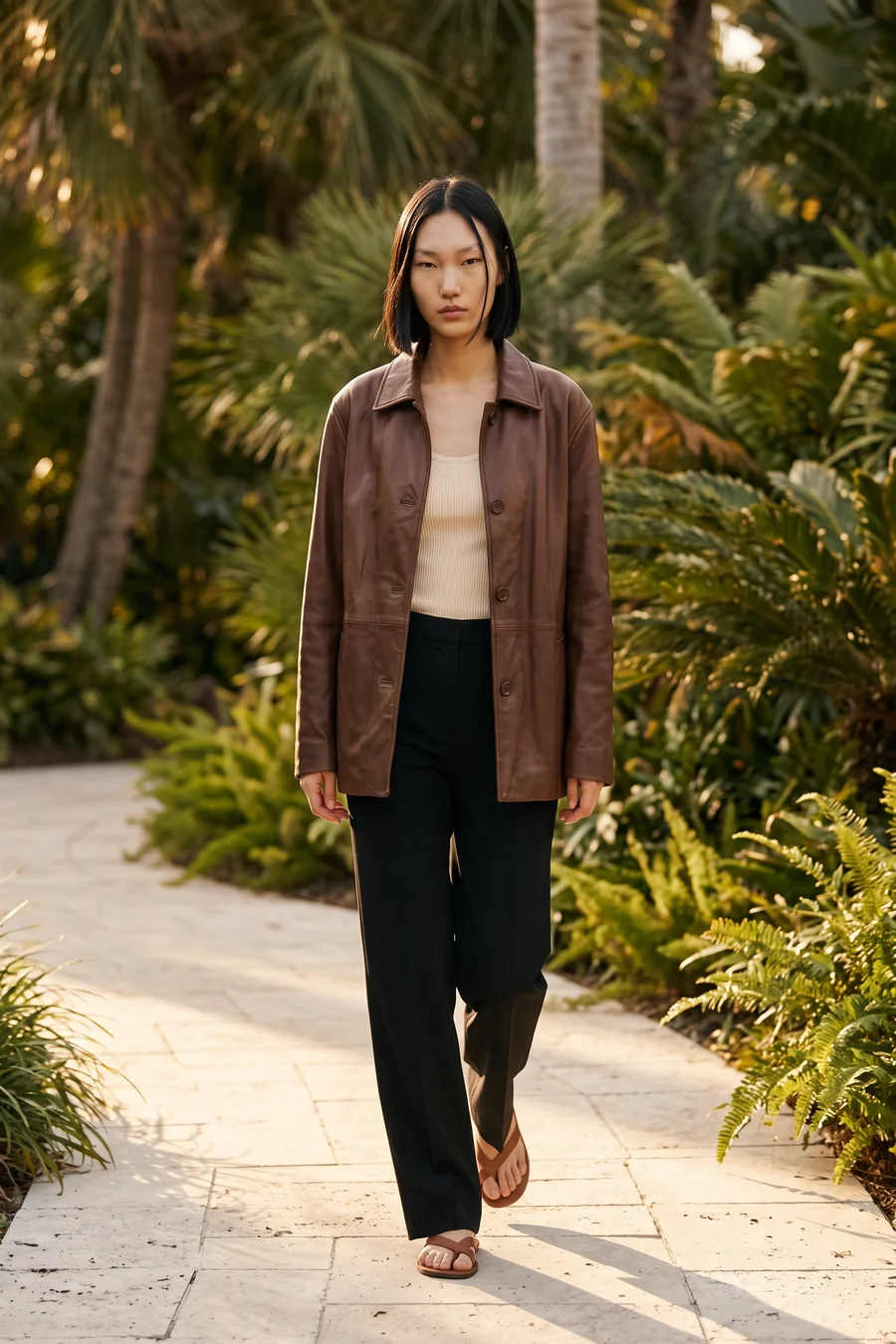
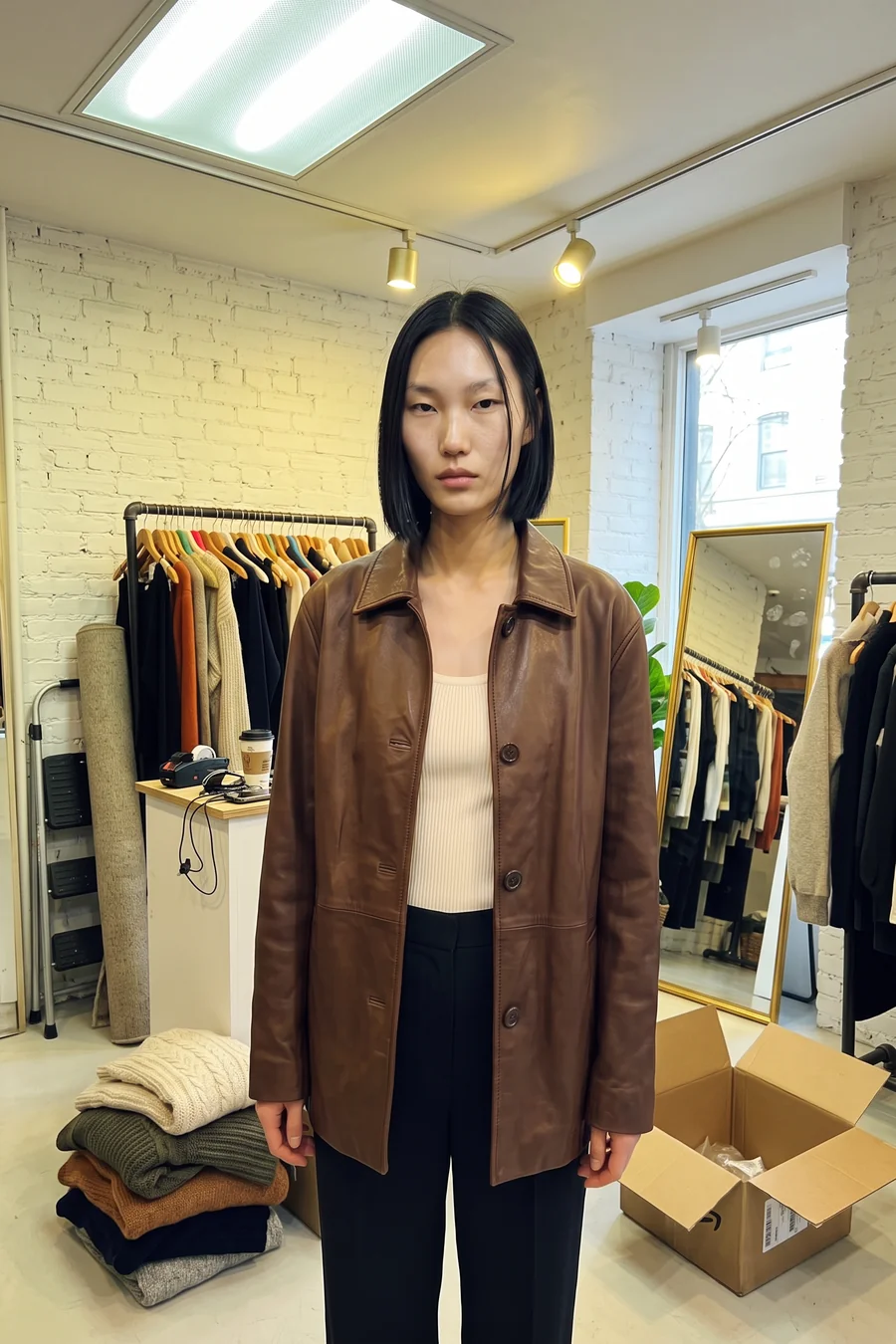 OriginalReshot
“Walking through a garden with palms, warm afternoon sun.”
Also: ready-made templates for product pages, marketplaces and social media, with new ones added over time. See the template sets
More about ReshootDescribe a person, their age, build, hair and the setting, and ClothShift creates a model you can dress again and again. Or start from our studio models.
More about Models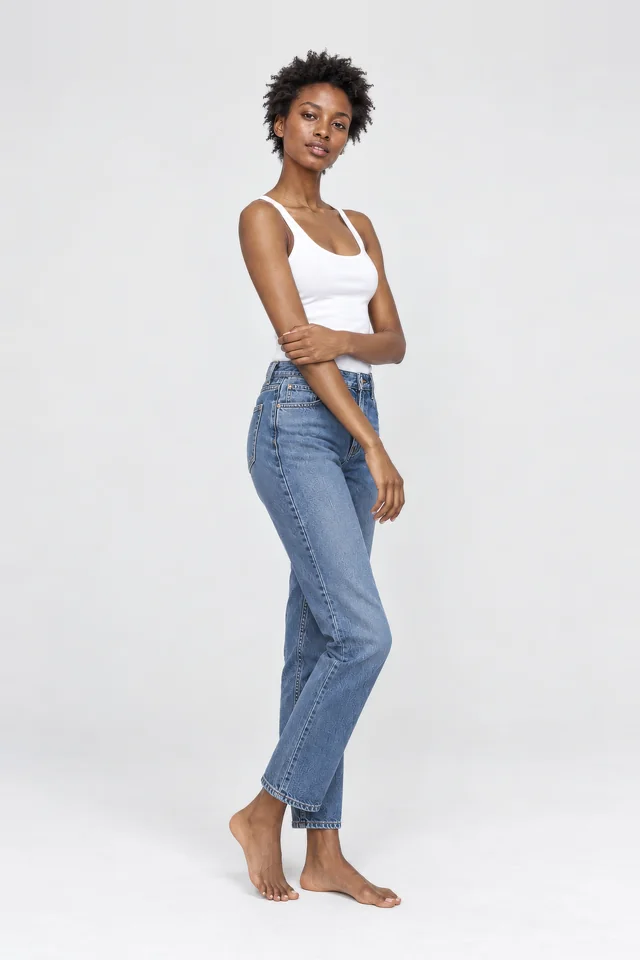
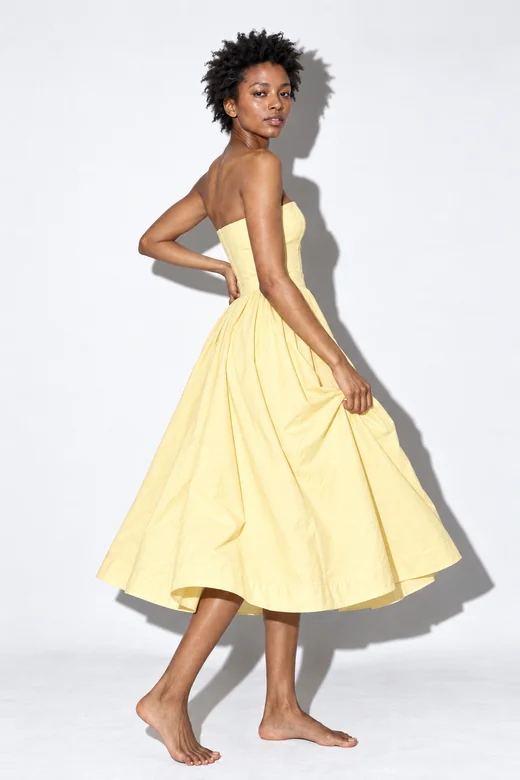
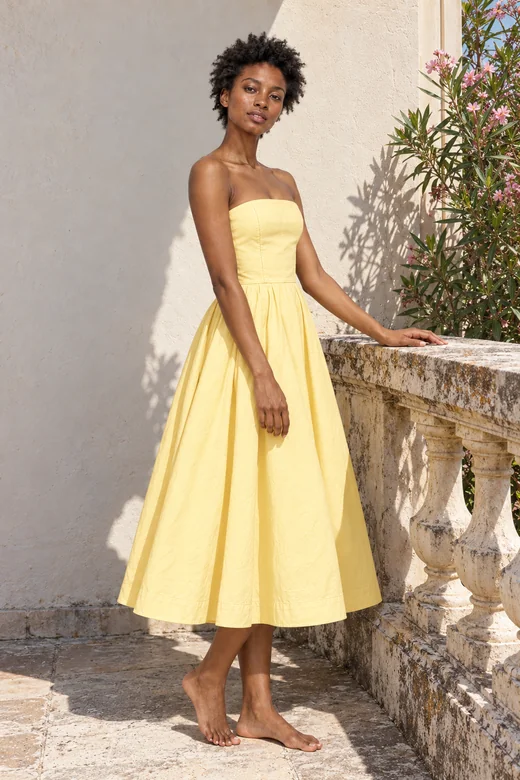
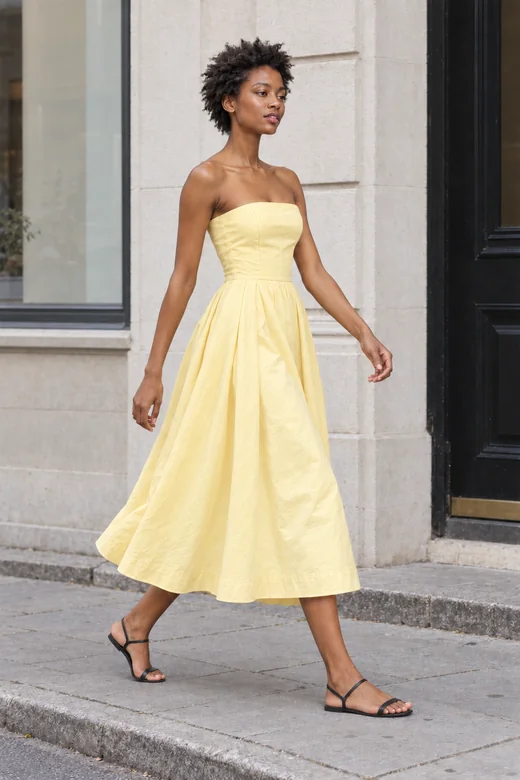
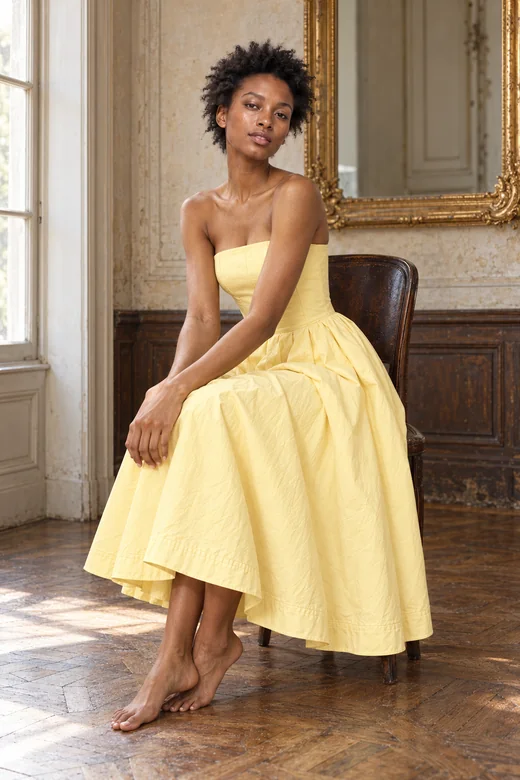
Cast from a description“Woman, mid-twenties, short natural afro, white tank, light-wash jeans, grey studio backdrop.”
Fig. 4The same model, dressed and placed anywhere.
Ready to cast
A few of the studio models ready for your next shoot, with more in the app and new faces added regularly. Pick one and dress them in your collection today.
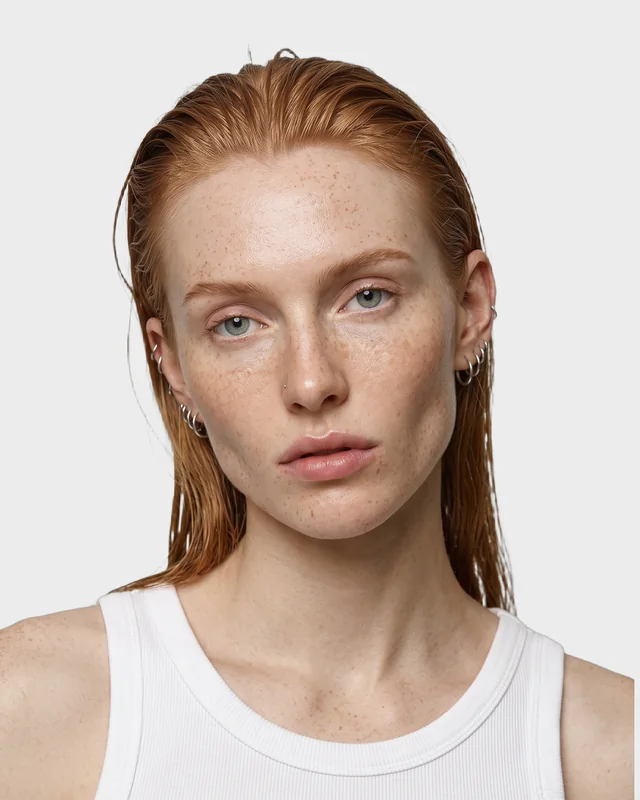
Scottish · damp copper hair
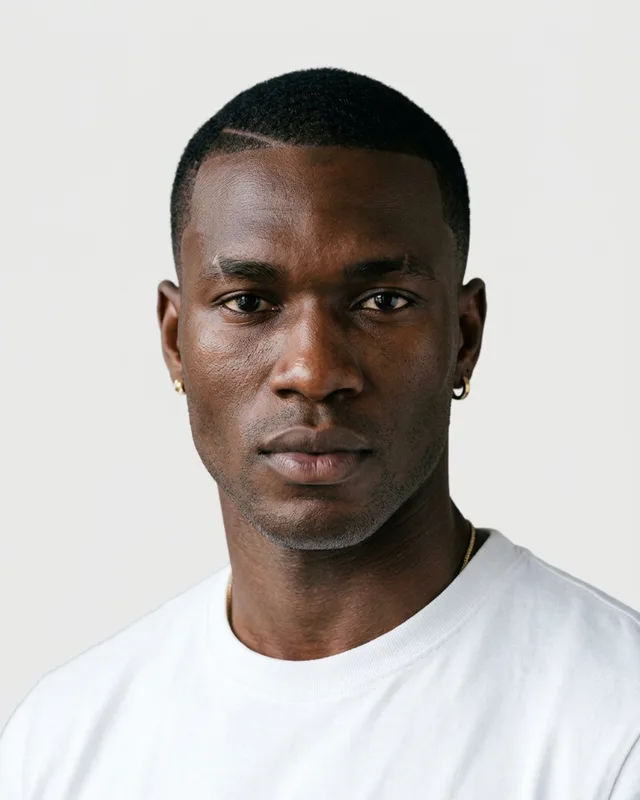
Senegalese · sharp crop, gold earrings
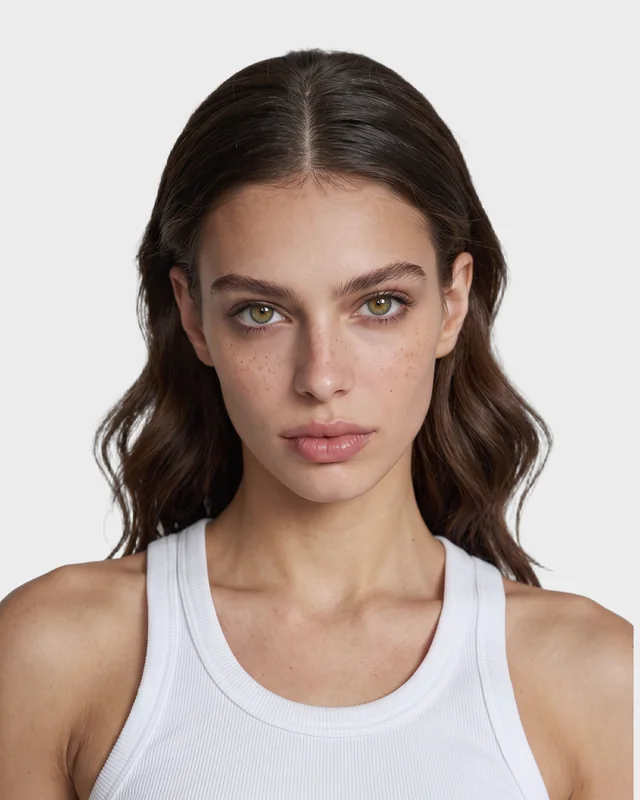
Long dark waves · green eyes
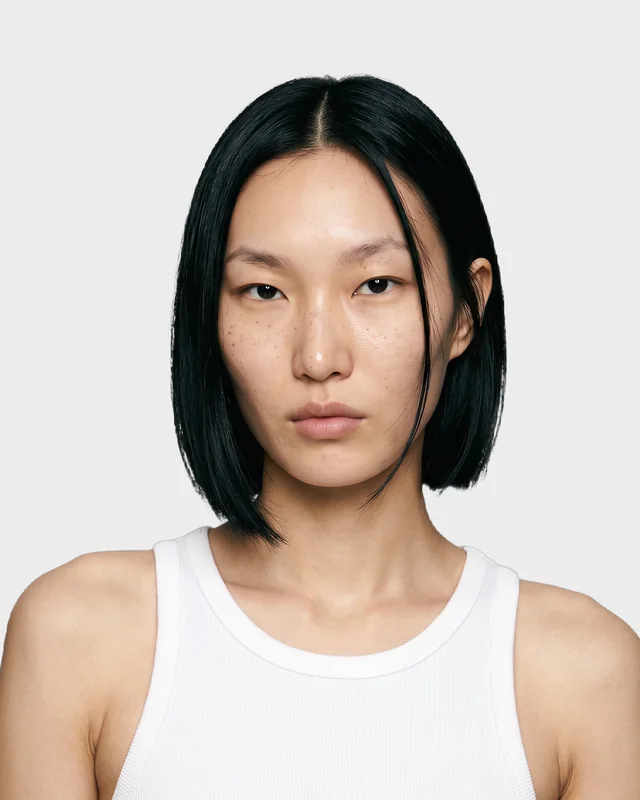
Mongolian-Korean · blunt black bob
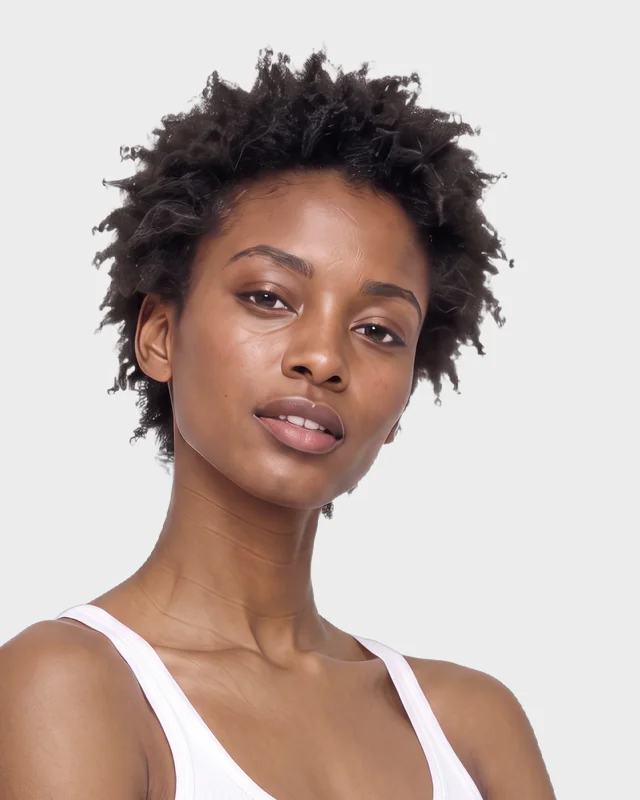
Short natural afro
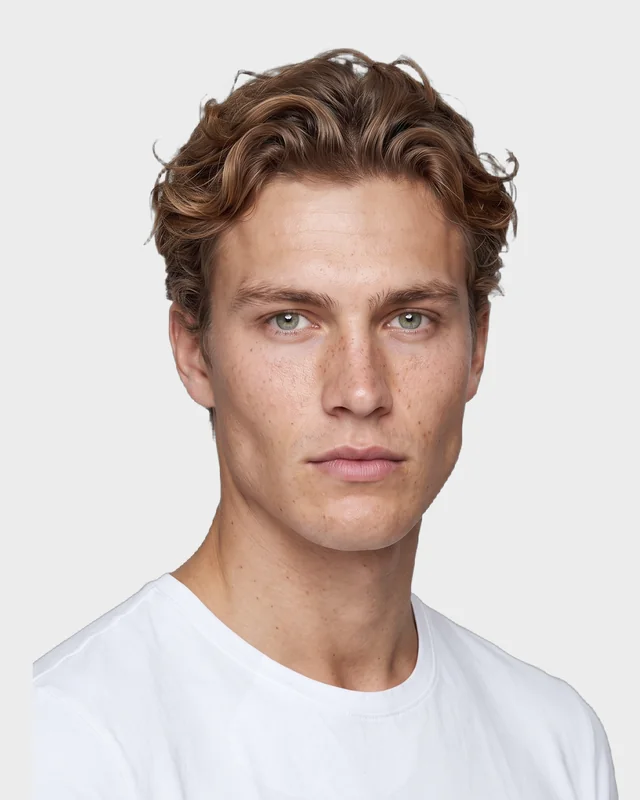
Scandinavian · swept-back waves
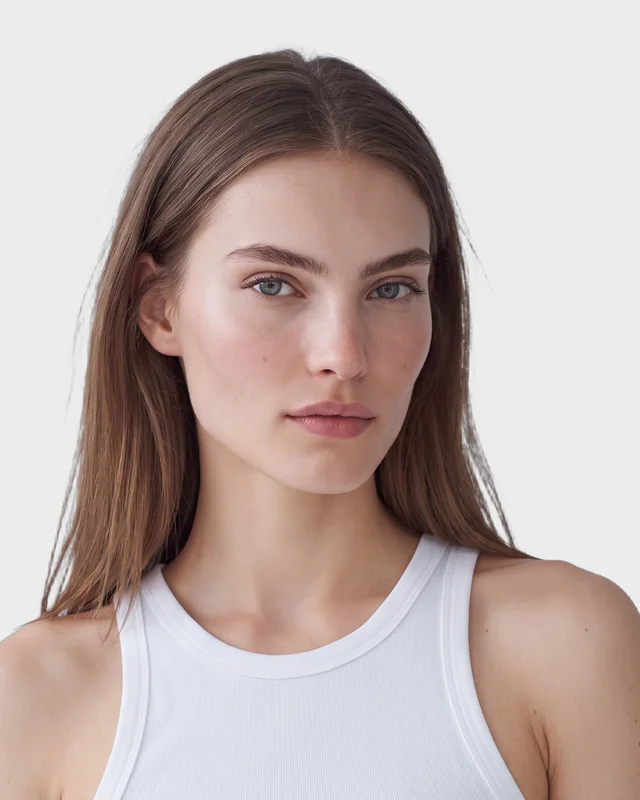
Eastern European · long brown hair
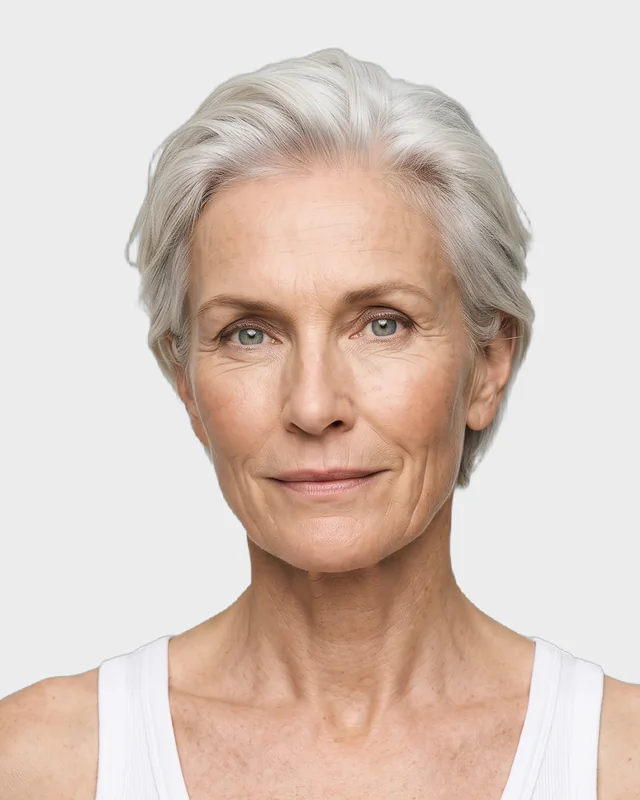
Norwegian · silver crop
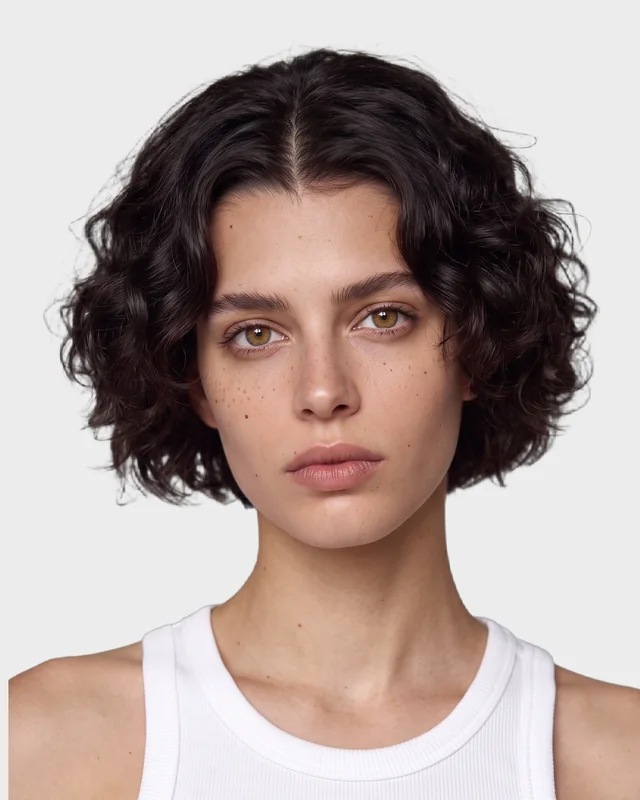
Dark curly bob · freckles
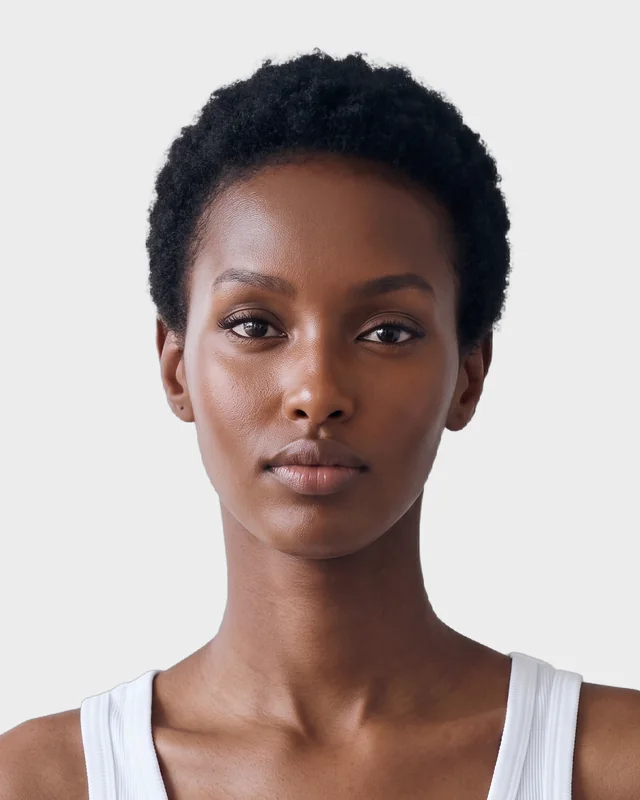
Somali-Ethiopian · close-cropped
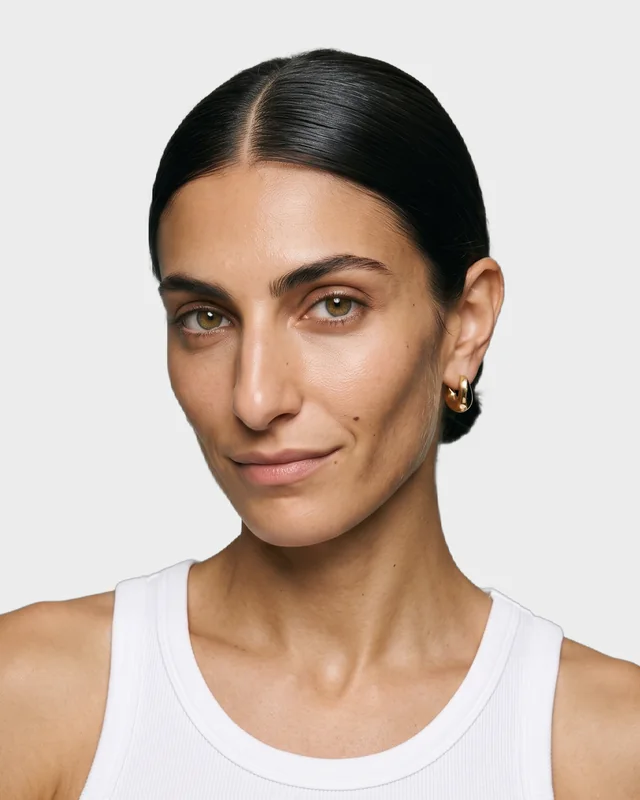
Greek-Lebanese · slicked low knot
Turn any look into a short fashion video for Reels, TikTok or a product page. Choose a template or describe the movement yourself.
Vertical, square or wide. A few seconds to fifteen.
More about AnimateTemplates
Vertical, square or wide. A few seconds to fifteen.
More about AnimateWho it's for
Product pages, catalogs and campaigns without booking a shoot for every drop. Show each piece on more than one body, in more than one place.
For brands and stores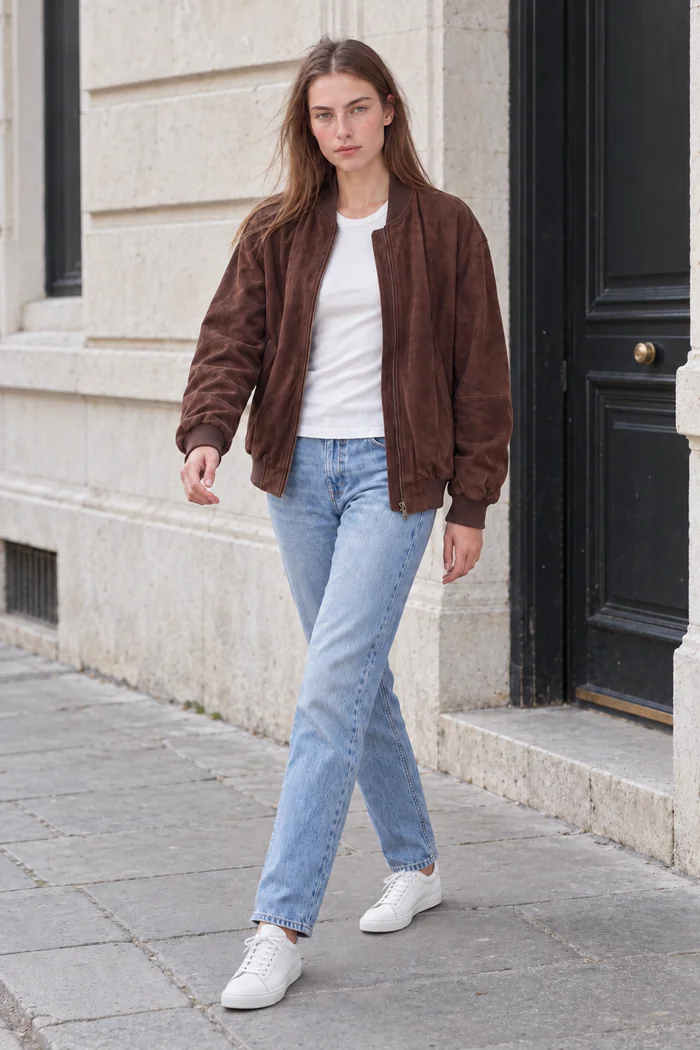
Pitch a look before it is pulled, produce content for several clients in a day, and keep the same model across a whole series.
For creators and agencies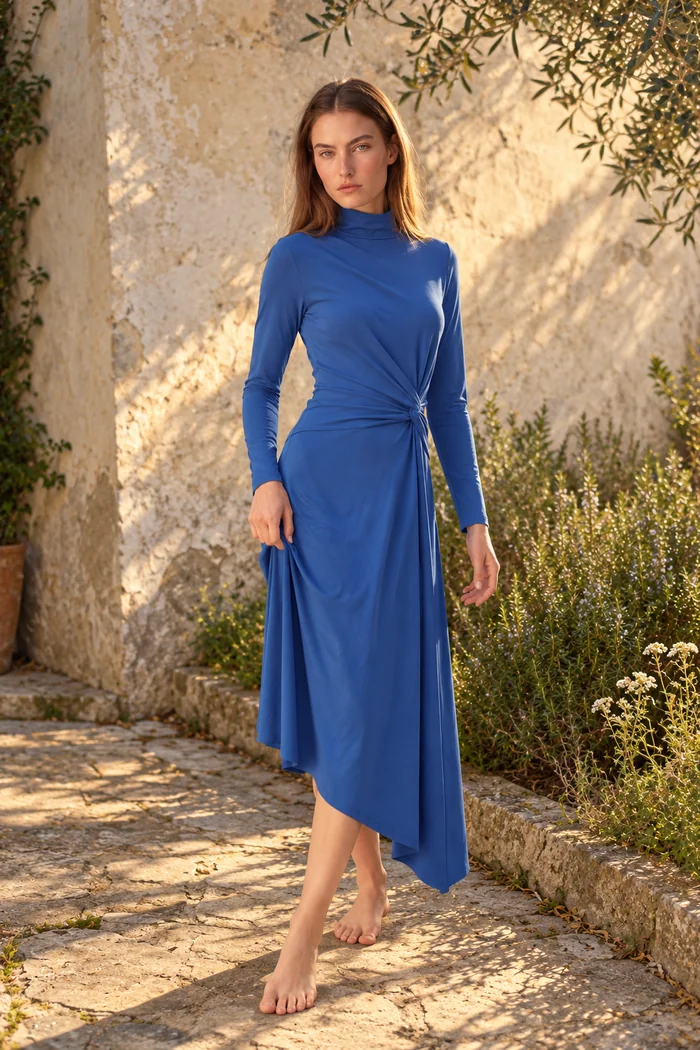
Consistent on-model images for every listing, from the photo you already have. Stand out in search results without a studio.
For marketplace sellersEvery image here is a ClothShift result.
iPhone, Android and web
One account, one credit balance and one library, wherever you work. Start a batch on your computer and find the results on your phone.
Your shoot, priced
Set the size of your next catalog and the numbers from your last production quote. The ClothShift side uses live credit prices.
78 finished photos
Studio shoot
$6,000
2 shoot days
Plus booking, styling and retouching time.
$76.92 per photo
ClothShift
$19.99
240 credits
No booking. Every job runs in the background.
$0.26 per photo
The credits this uses, at web pack rates. To cover it: 1 × Pro (240); unused credits stay in your balance. · <1% of the shoot budget
Counts 3 credits per try-on and 3 per new model on the default engine. Premium engines and 4K cost more, and you see the exact amount before you generate. Pack credits expire 30 days after purchase, so top up as you go.
Pricing
ClothShift runs on credits. Top up once on the web, no subscription needed, or subscribe in the app for monthly credits and premium engines.
What things cost
Typical cost with the default engine. Premium engines and higher resolutions cost more, and you always see the exact amount before you generate.
Top-up packs on the web
One-time payment. No subscription.
In the app, the same packs come as monthly subscriptions with premium engines. Top-ups in the app need an active subscription; on the web you top up directly.
That is the standard we hold them to. Fabric, print and drape are carried over from your product photo, and images come out at up to 4K. As with any shoot, review each image before you publish it.
Yes. Reshoot's Phone Shots templates turn a try-on result into a mirror selfie in a boutique, a quick shot in the shop, one outside the door or a mirror selfie at home, ready for social media.
Yes. Reshoot's templates turn one try-on result into front, side and back views, close-ups, clean catalog framings and packshots without a model.
A clear photo of the garment: laid flat, on a ghost mannequin, on a hanger, on a shop mannequin, or worn by someone. Even light and the whole piece in frame give the best results. A screenshot works too.
Almost any clear photo works: different poses, angles and backgrounds are fine. Results are weakest with very dark photos, or very wide shots where the person is small and far away.
Most images are ready in seconds, and you see an estimate before you start. Every job runs in the background, so you can close the app or keep working.
You do. You keep full commercial rights to everything you create, for product pages, ads, social media and print.
No. Top up on the web with a one-time payment. In the iPhone and Android app, credits come with a monthly subscription that also unlocks premium engines, and in-app top-ups need an active subscription. Everything goes to the same account.
Yes. The web studio at app.clothshift.app has every tool, including batch try-on, and shares your account and library with the app.
Uploads and results stay in your private library and are not shown to anyone else. You can delete your account at any time from the app's settings.